polski
 español

 Grzegorz Olifirowicz
How to create an account on ADS4media?
- Go to app.ads4media.online and click “Register”.
- Enter your name, surname and e-mail address, and set a password.
- Select your country and decide whether you want to see the advertiser or the publisher panel at the start.
- Important: This choice only applies to the start screen – you can switch between the publisher and advertiser roles at any time using the tab at the top of the page.
- Tick the consents:
- Regulations and Privacy Policy (worth reading).
- Consent to receive commercial information (optional).
- Click “Register” and check your mailbox – you will receive an activation link.
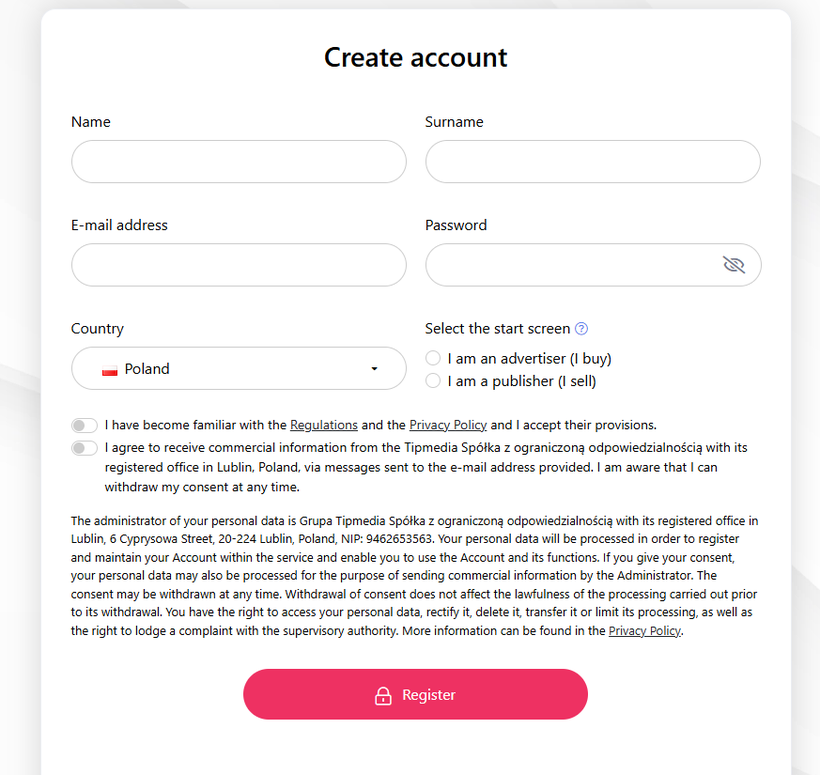
Once you click the link, your account is ready.
After logging in for the first time, you will see the side menu, a dashboard with notifications and information about your account balance, and at the top a knowledge base banner with basic tips on using the platform.
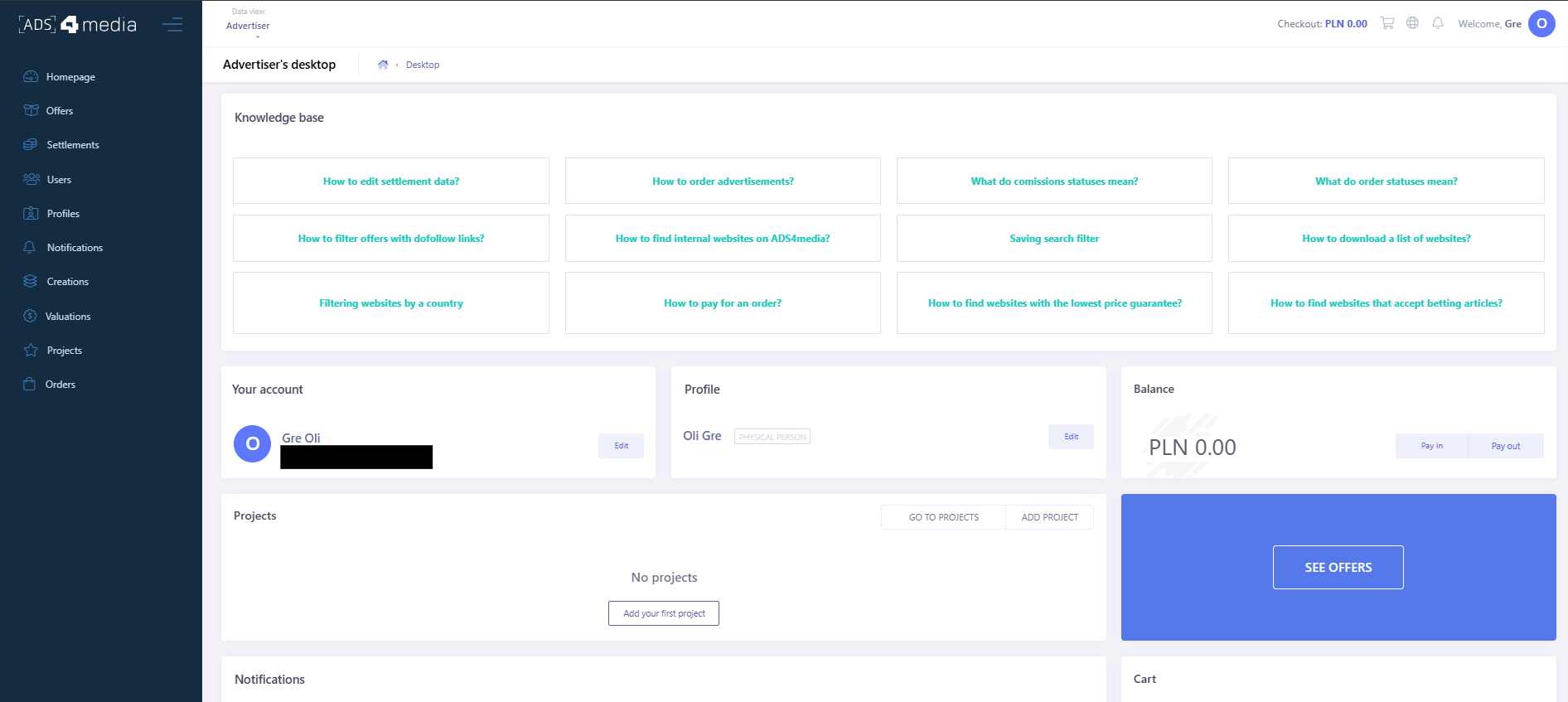
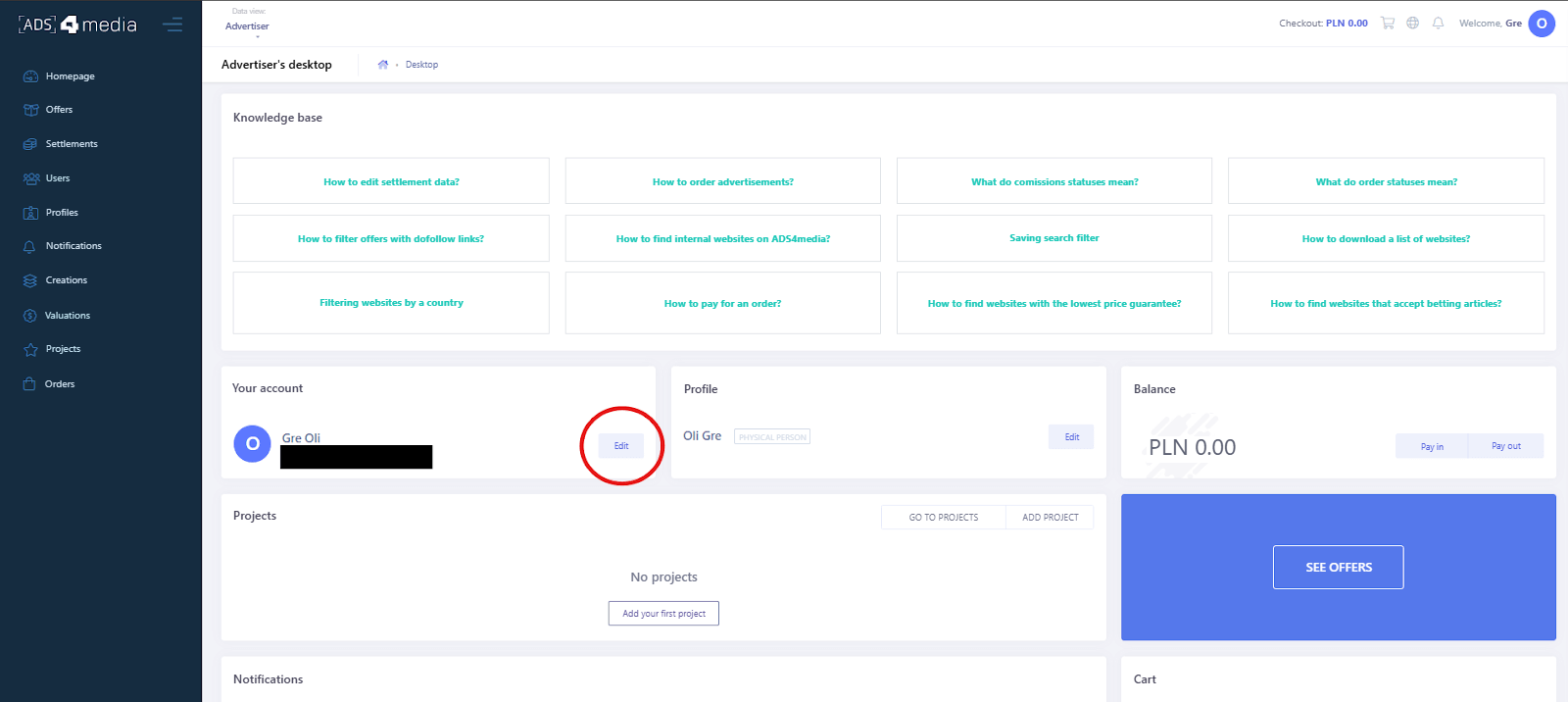
Before you start browsing and ordering offers, it is worth completing your account setup. To do this, click the “Edit” button next to your profile. A page will open where you can fill in your billing details.
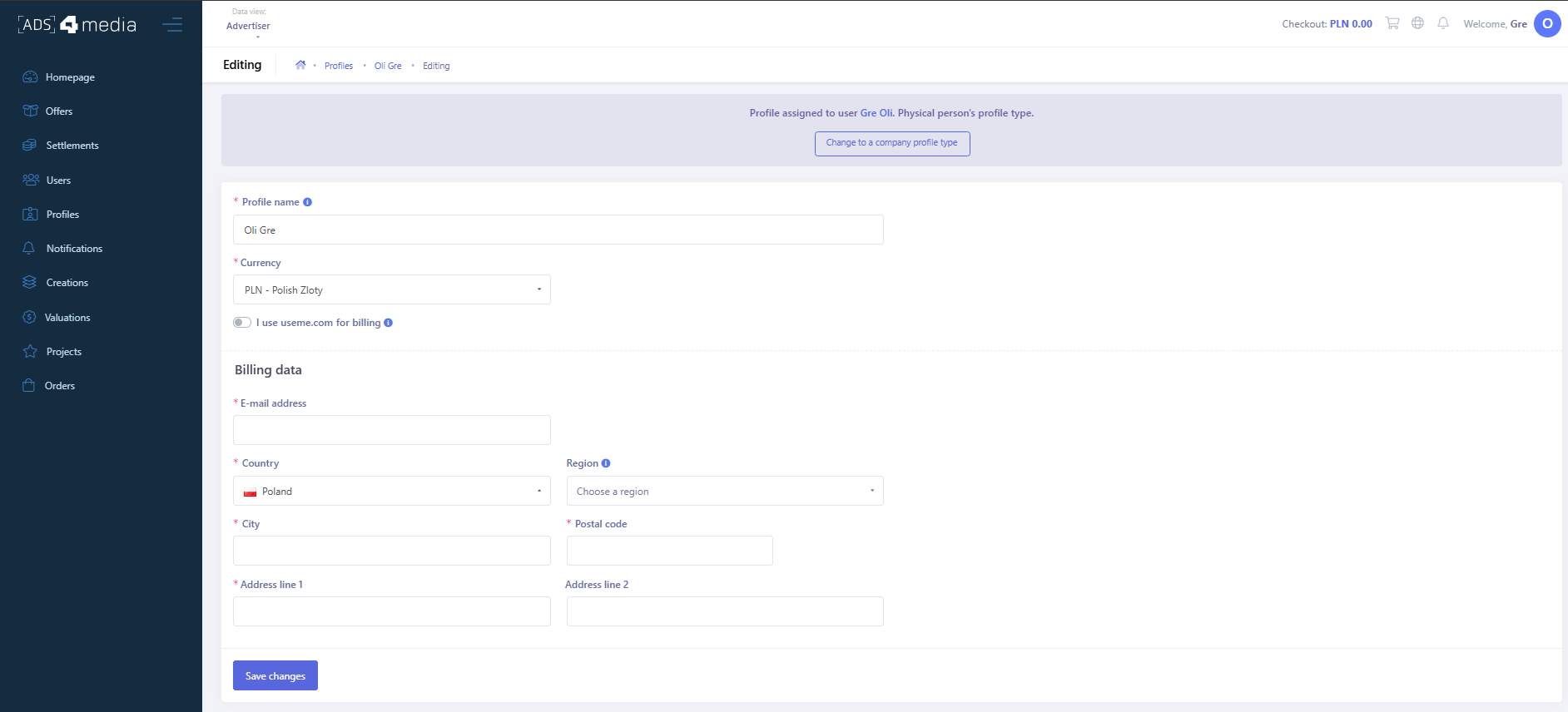
Important: if you want to settle with us as a company, you need to click the “Change to a company profile type” button at the top of the screen. The platform will then change your account settings. All that’s left is to fill in your company details.
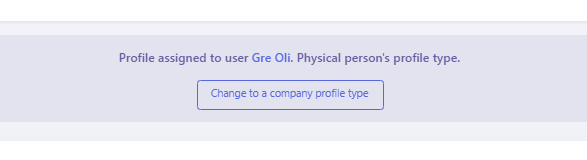
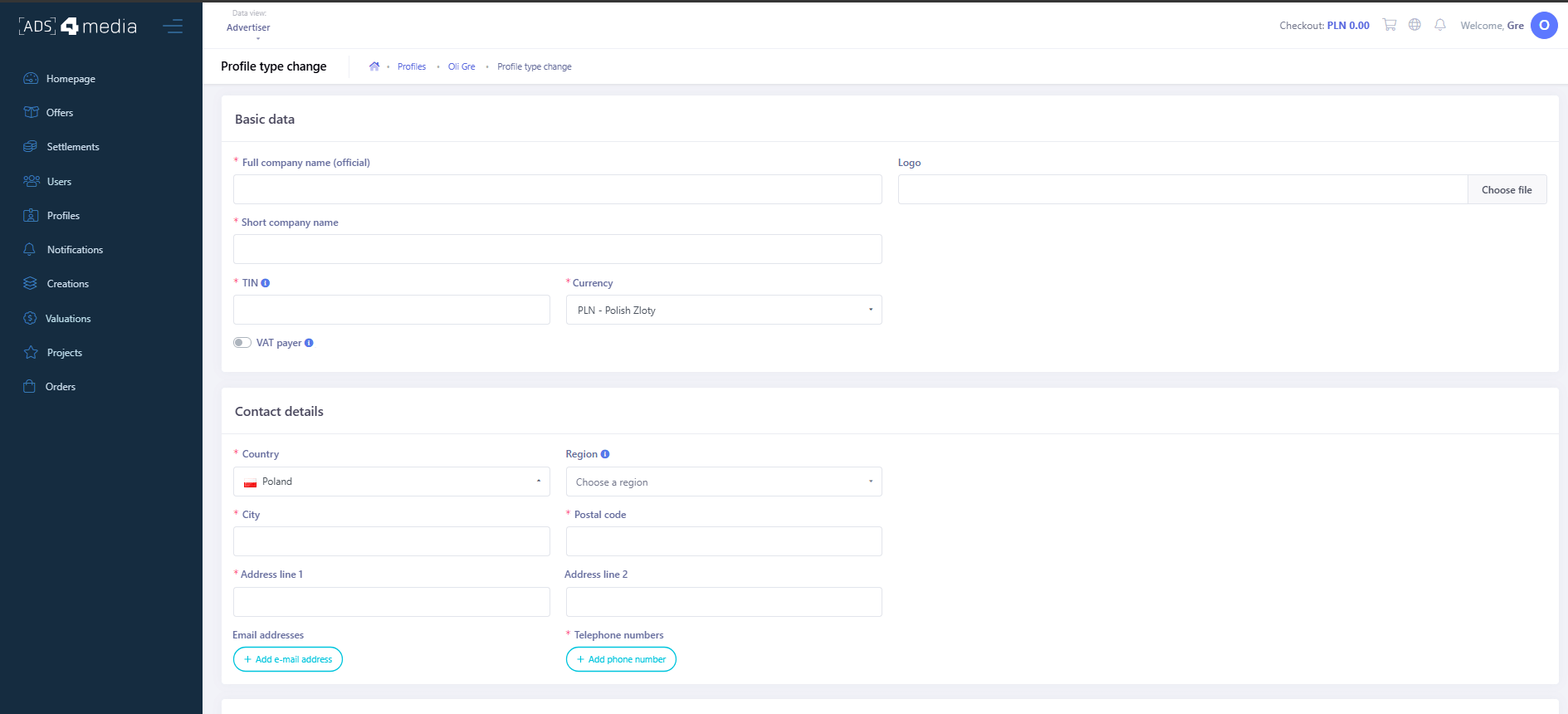
Remember! Changing your account to a company profile cannot be undone!