polski
 español

 Magdalena Szypulska
Table of contents
- What an author page includes
- What Google says about authorship
- “Staff” bylines and team-produced stories
- How to describe an author in structured data
- AI search: what we know
- External profiles and the Knowledge Graph
- What this gives a publisher
- CMS4media and author pages
- Where to start
A reader lands on a story about rising mortgage rates and wonders whether the numbers in it can be trusted. The reader looks for the author, but under the headline sees only “Staff,” with no link to a profile and no information about who prepared the story.
Google’s helpful content guidance encourages publishers to make it easy to identify who wrote an article and find more information about the author.
An author page lets readers check who prepared a story and what experience that person has. The guide covers author profiles, Google’s authorship guidance, structured data and the evidence for investing in author pages.
What an author page includes
Clicking the name under a story takes the reader to the author’s profile, where they find a bio and a list of earlier stories. A profile can include:
- name and photo, the same as on external profiles,
- job title and newsroom where the author works,
- a short bio with specialization and experience, and, for YMYL (“your money or your life”) topics, credentials such as education, licenses and previous newsrooms,
- a list of the author’s stories on an indexable page of the site (paginated if the list is long),
- topics the author regularly covers,
- links to external profiles, such as LinkedIn, X or a personal website,
- contact details or a way to report corrections.
A reporter who covers city hall, transportation and local issues can list those beats in the bio, along with links to earlier stories.
What Google says about authorship
Google News policies require news publishers to provide transparent information about the source: publication dates, bylines, author and publisher details, and contact information. Violations can result in content being removed from Google News and, in some cases, a manual action visible in Search Console. Google acknowledges differences in editorial practices, so not every story has to carry an individual reporter’s name. A reporter’s bio lets readers find out who covers a given topic.
In the E-E-A-T framework (experience, expertise, authoritativeness and trust), trust is the most important element. E-E-A-T itself is not a single ranking factor, however. Google Search Liaison Danny Sullivan stressed in 2024 that bylines are for readers, not for Google.
Google also runs a system that evaluates the topic authority of news sources. In an article published in May 2023, Google lists a source’s notability for a topic or location among the signals and notes that the system also takes local publications into account. The system evaluates a source’s authority on a topic, not an individual reporter’s expertise.
“Staff” bylines and team-produced stories
A “Staff” byline does not point to a specific person whose experience readers could check. What matters, though, is the type of story and how it was produced. In structured data an organization can be the author, wire copy normally carries the agency’s name, such as The Associated Press, and a “Staff” byline is sometimes appropriate on short service notices, such as a bus schedule change. For stories about finance, health or law, the author’s name and information about the author’s qualifications help readers judge the story.
When several people work on a story, the byline area can say who gathered the information, who wrote it and who checked it for accuracy. A short service notice usually does not need that breakdown. In a guide or an expert piece, it shows who was responsible for each stage of the work.
Healthline offers an example. It publishes a profile page for each medical reviewer with a short bio, education and certifications, and each profile links to a description of the site’s medical review process.
How to describe an author in structured data
In Article structured data (Article, NewsArticle or BlogPosting), the author field points to a person (Person) or an organization (Organization). The author.url field holds the address of a page with information about the author, for example the author’s profile on the site or an external profile; when the author is an organization, the URL points to the publisher’s homepage. The author.name field contains the person’s name without titles or job descriptions. If a story has several authors, each person is listed separately in an array. All of this information is meant to match what readers see under the story and on the author page.
{ "@context": "https://schema.org", "@type": "NewsArticle", "headline": "City council approves new bus routes", "author": [{ "@type": "Person", "name": "Jane Miller", "url": "https://www.example.com/authors/jane-miller" }] }
If the author profile lives on the site, Google recommends marking that page up with ProfilePage structured data. The mainEntity property identifies the person the profile is about. Recommended properties include sameAs (URLs of external profiles) and alternateName (for example, a pen name or username, while the name field is meant for the person’s real name). Google lists an author page on a news site as an example of where this markup applies.
{ "@context": "https://schema.org", "@type": "ProfilePage", "mainEntity": { "@id": "https://www.example.com/authors/jane-miller/#person", "@type": "Person", "name": "Jane Miller", "sameAs": [ "https://www.linkedin.com/in/jane-miller-example" ] }, "hasPart": [{ "@type": "Article", "headline": "City council approves new bus routes", "url": "https://www.example.com/news/city-council-bus-routes", "datePublished": "2026-10-01T09:00:00-05:00", "author": { "@id": "https://www.example.com/authors/jane-miller/#person" } }] }
An author profile can have a stable @id, for example the profile URL followed by #person. The same identifier then appears in the structured data of that person’s stories.
The person description can be extended with additional Schema.org properties such as jobTitle, worksFor, image, knowsAbout (areas of expertise) and hasCredential (qualifications). They are added only when they match information shown on the page, and filling them in does not make them a ranking signal.
When a reporter writes a story and an expert reviews it, the reviewedBy property (type WebPage) can describe the reviewer’s role. In Schema.org it identifies the people or organizations that checked the content for accuracy and completeness. There is no confirmation, however, that Google uses it in any particular way.
AI search: what we know
In an Ahrefs study from March 2026, only about 38% of the URLs cited in Google AI Overviews also ranked in the top 10 for the same query. In a study from July 2025 the figure was 76%, but Ahrefs later changed how it detects citations, so the two results cannot be compared directly. The study does not address the effect of authorship on citations.
SEO firm reports often link named authorship with more frequent citations. Their results are inconsistent, however, and descriptions of methodology are sometimes incomplete. In a preprint (an early version of a research paper) on health sources cited by ChatGPT, 64.7% of the cited sources did not name an author. AI systems, then, also cited sources that did not identify an author. The paper does not answer whether a byline increases the chance of being cited.
The GEO-16 study analyzed pages cited by three AI engines in answers to questions about B2B SaaS products. Citations were most strongly associated with metadata, page freshness, semantic HTML and structured data.
External profiles and the Knowledge Graph
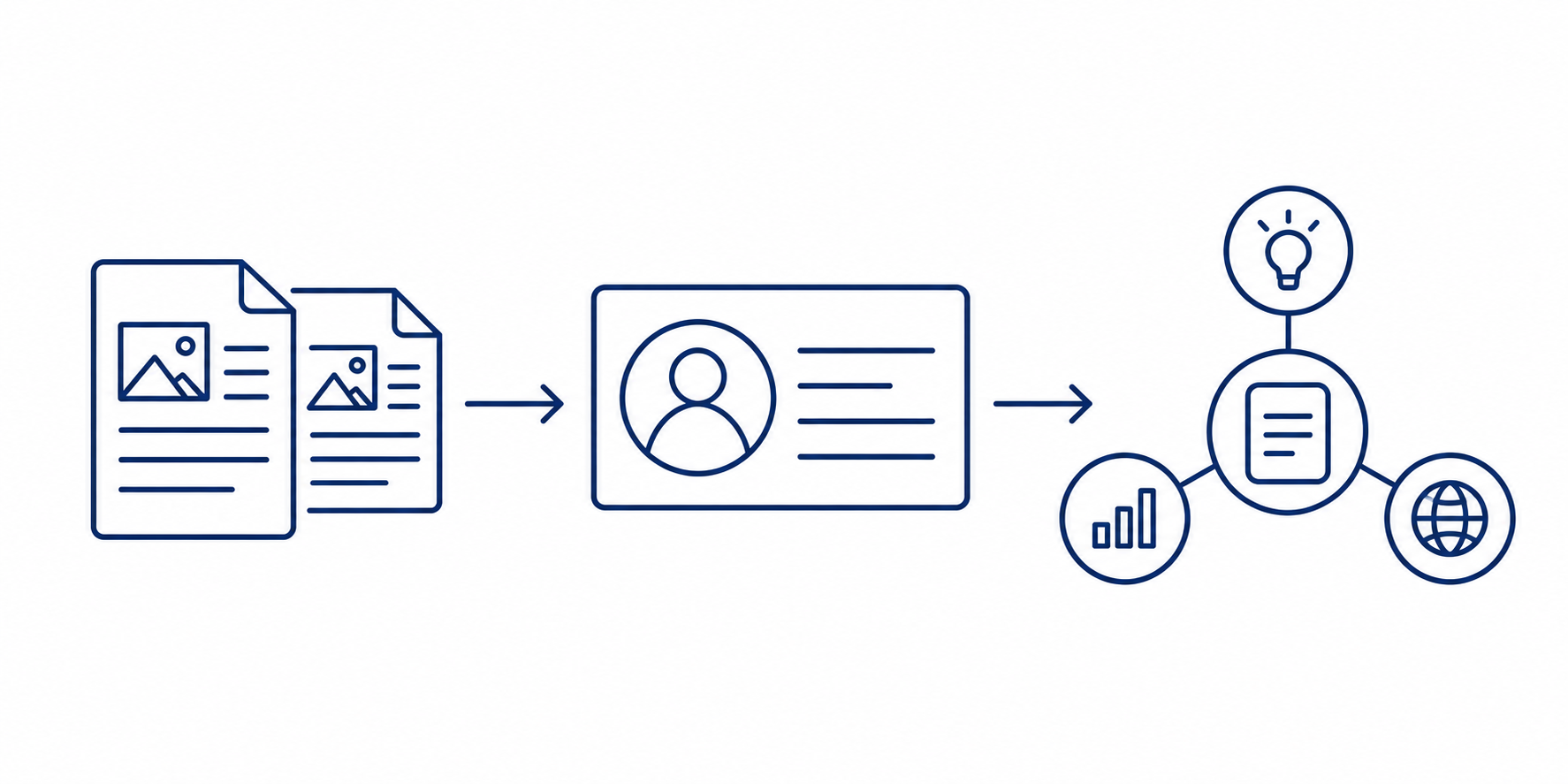
Links to an author’s LinkedIn profile, X account or personal website help distinguish the author from others with the same name.
A knowledge panel is the block of information about a person, place or organization that Google shows in search results. Google draws on many sources across the web to build its Knowledge Graph. Wikipedia is one of them, but not the only one. After verification, the person a panel is about can suggest changes to some of the information, such as the photo.
Google shows knowledge panels for people and organizations it recognizes in the Knowledge Graph. A publisher cannot create such a panel for an author on its own. It can, however, keep information about the author consistent on the newsroom site and across external profiles, from the name and photo to the job title and employer. Industry guides cite LinkedIn as a helpful source, but Google does not name it in its description of the Knowledge Graph.
What this gives a publisher
Neither Google’s guidance nor the available research confirms that an author page by itself improves rankings. Google recommends clearly identifying authors, and Article data describes an author in a way search engines can read, but Google does not say this raises rankings or the chance of being cited in AI Overviews.
For publishers, the clearest reasons to maintain author profiles are transparency for readers and, for sites in Google News, compliance with its policies. Topic authority is a separate issue: Google describes it in terms of the publication’s recognition for a subject or location, not an individual reporter’s profile.
CMS4media and author pages
CMS4media is a content management system (CMS) for local newspapers, TV and radio stations and news websites. From one dashboard, a newsroom publishes content, manages SEO settings, advertising and e-editions, and runs multiple sites.
US news organizations using CMS4media include Boerne Star, Taylor Press and Austin County Insider in Texas, Florida Weekly Destination in Florida, The Canton News in Mississippi and The Fallon Post in Nevada. The full list is on the CMS4media clients page.
CMS4media automatically generates a news sitemap and NewsArticle structured data that follows Schema.org. SEO fields, including title, description, indexing settings and canonical URL, are available for stories and in the Authors module.
In the Authors module, an administrator can create and edit profiles that include a photo, bio, workplace information, contact details and a list of stories. When a story is created, the author can be selected from a list, and readers can reach the profile by clicking the name or photo next to the story. Administrators can deactivate and reactivate profiles. An Authors widget displays the list of authors on a page, and authors can also be credited on photos and galleries.
The ProfilePage, sameAs and stable @id markup described in the structured data section is an implementation recommendation, not a description of the Authors module’s features.
Where to start
- Audit existing bylines and profiles. Identify stories credited to “Staff” or to a name with no profile link, starting with health, finance and law.
- Complete the author profiles. Add a photo, bio, beats, earlier stories and relevant external links.
- Connect each byline to its profile. Add author.name and author.url to each story’s structured data, matching what readers see on the page.
- Mark up the profile pages. Use ProfilePage, identify the author through mainEntity, and add sameAs where relevant.
- Validate the markup. Use the Schema Markup Validator and Google’s Rich Results Test, then check indexing and performance in Search Console (Page indexing and Performance reports).