polski
 español

 Monika Borowiec
How to use it?
To use it:
- Go to the Page Builder module and edit the selected template.
- Click + Add Element to open a pop-up window with the available widgets.
- The new widget is located in the upper-right corner of the pop-up window.
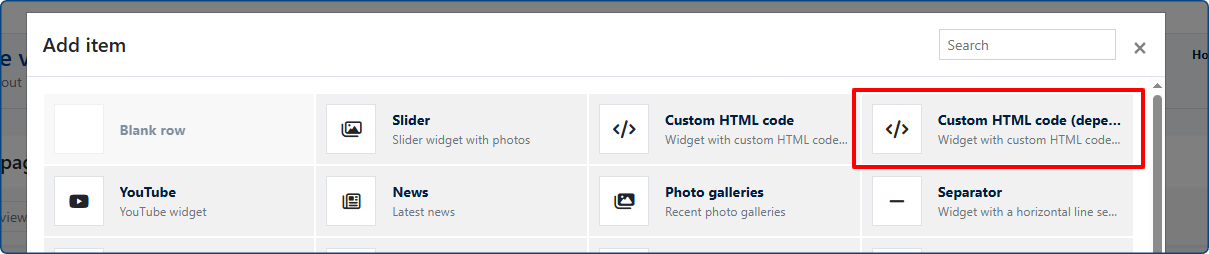
The edit window for the new widget is very similar to the familiar Custom HTML widget. The difference is the presence of two HTML code fields instead of just one:
- Custom HTML (Logged-Out User) – the version of the code that will be displayed only to users who are not logged in.
- Custom HTML (Logged-In User) – the code that will be displayed exclusively to users who are currently logged in to their account, including both regular readers and administrators.