polski
 español

 Rafał Kozłowicz
Enabling the feature and selecting available thematic categories for sponsored articles
If you have a website running on the CMS4media, you can enable the choice of thematic categories for sponsored articles published via the ADS4media content marketing platform on your website.
To do this:
- Log in to your Publisher account: https://app.ads4media.online/auth/login
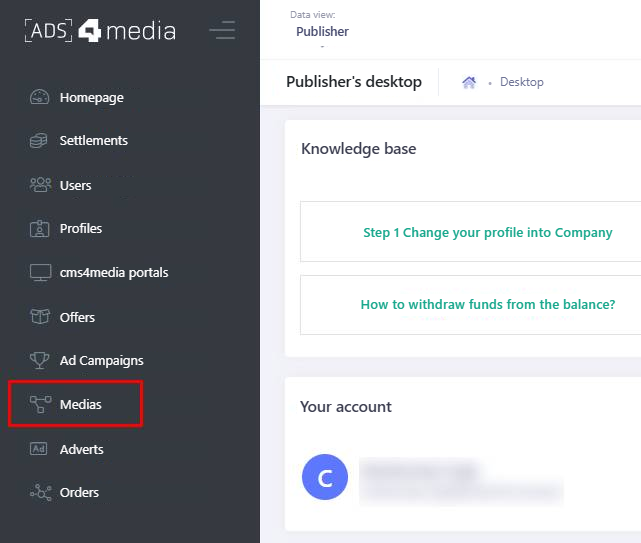
In the main menu, select “Medias” to go to your websites
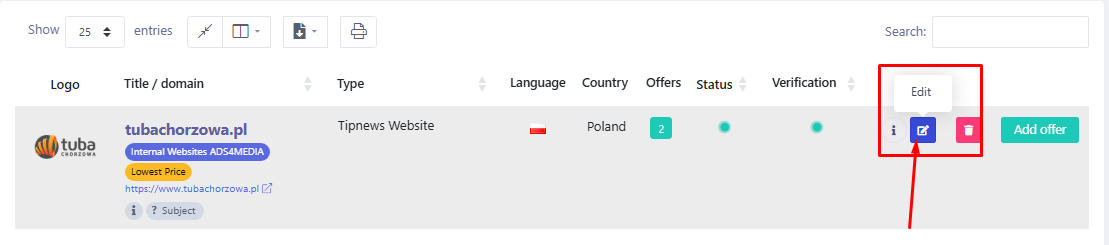
Click the “Edit” button to go to the website edit view
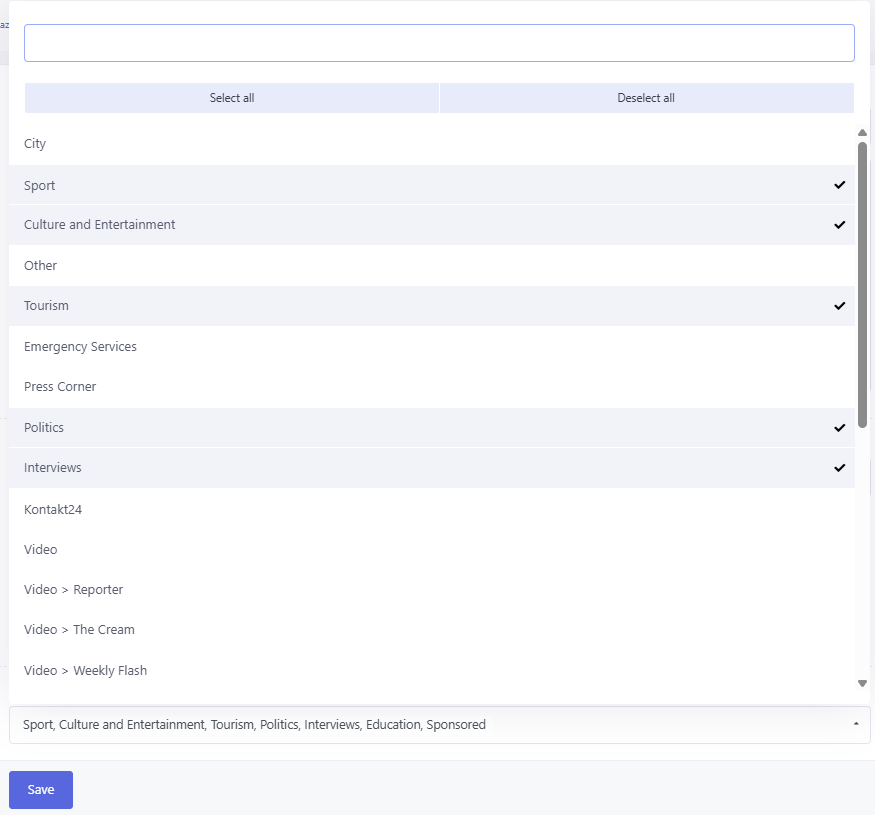
At the bottom of the page, find the “Categories available to Advertisers” field

Click the drop-down list and click to select the categories, in which Advertisers will be able to order sponsored article publications. Selected categories will be marked with "✔". You can also select all of them by clicking the “Select all” option or choose only some of them (there is no limit)
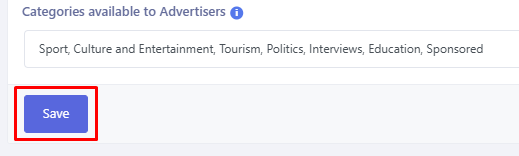
To save your changes, click the “Save” button at the bottom of the page
Now that you have set the thematic categories available to Advertisers on your website, it's time to go to the offer settings so that these categories are visible when orders are placed.
Offers – enabling the choice of thematic category in existing offers
Here's what you need to do if you want to allow Advertisers to order article publications in thematic categories in your website's existing offers on ADS4media:
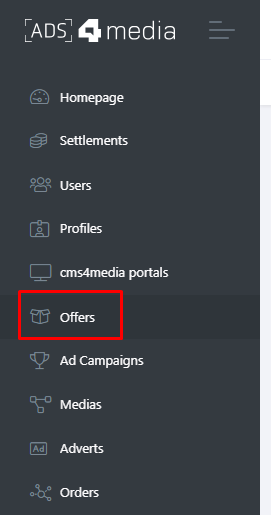
In the main menu, select “Offers”
Click the “Edit” button next to the offer, in which you want to enable the choice of thematic categories.

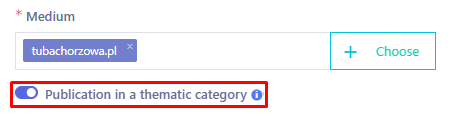
NOTE! The list of offers contains all offers of all your websites. Make sure you are editing the offer for the right website (the website name in the “Medium” column will help you).In the offer edit view, find and select the “Publication in a thematic category” field.
Click the “Save” button at the bottom of the page to save your changes

- Note! Updating the offer means it will have to be verified by the ADS4media Administrator. Until then, the offer will not be visible to Advertisers. You can write to us at: [email protected] and ask for the offer to be accepted in fast-track mode. The usual offer acceptance time is 24 hours on business days.
Creating a new offer with the option to publish articles in thematic categories
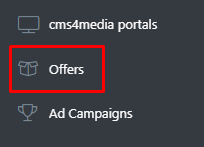
In the main menu, select “Offers”
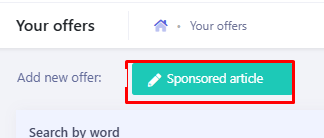
Click the button at the top: “Sponsored article”
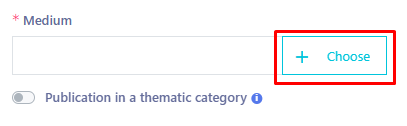
The form for adding a new offer will appear. Select the medium by clicking the “+ Choose” button
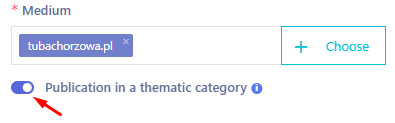
If the website you have selected runs on the CMS4media system, you will now be able to click the “Publication in a thematic category” toggle
Also fill in all the other fields and provide as many details as possible. Fields marked with an asterisk are mandatory. Then save your changes with the “Add offer” button at the bottom of the page. Done!
Frequently asked questions
Do I have to enable the choice of categories in all my offers?
No. You can choose just one, two or some of your offers, or create completely new ones with the choice of thematic categories enabled.
How do I disable this feature in my offers?
You can edit any offer at any time. To disable the choice of thematic categories, edit the offer, uncheck the “Publication in a thematic category” field and save your changes.
I have enabled the feature in my offers, but Advertisers can't choose anything. What should I do?
You probably haven't edited the settings of the website to which the offers with the thematic category choice enabled are assigned. To fix this, go to the website edit view, select all or some categories in the “Categories available to Advertisers” field and save your changes.
Can I have different categories enabled in different offers?
No. At the moment, you define the available categories at the website level. The categories selected there are available in all offers that have the “Publication in a thematic category” option checked.
See also: