polski
 español

 Magdalena Szypulska
Every editorial team has the same reflex: save the old URL no matter what. Killing off a topic section? Redirect all that traffic to the homepage — those links and years of accumulated trust are too valuable to throw away.
Here's the problem: given how search actually works today, that instinct backfires. Search engines read a blanket redirect-everything-to-homepage move as a technical error, not a save. The result isn't preserved rankings — it's lost rankings and wasted crawl budget.
This piece walks through the HTTP status codes that matter for a newsroom, one at a time, with the kind of real-world scenarios editorial teams run into constantly. You'll see what separates a permanent redirect from a temporary one, and when it's actually better to just tell visitors — and search engines — that a page is gone for good.
We'll also get into how AI systems handle these same codes, because that's turned into a different game entirely.
Status 200 (OK): The State Everything Should Be In
Let's start with the basics — status code 200.
It's the simplest possible message: everything worked exactly as it should. The server tells the browser and the crawler, "here you go, the page is ready."
This is the state you want for every URL on your site.
Articles, the homepage, category pages — all of it should return this code. No technical friction. The reader sees the content instantly, and the crawler indexes it without any obstacles.
Take a simple example: someone clicks a link to yesterday's game recap. The page loads normally, the content is there, the response code is 200. Nothing else needs to happen — and that's exactly the point. Traffic flows without friction because there's no intermediate step where anything could go wrong.
Status 301: The Classic That Preserves Your Link Equity
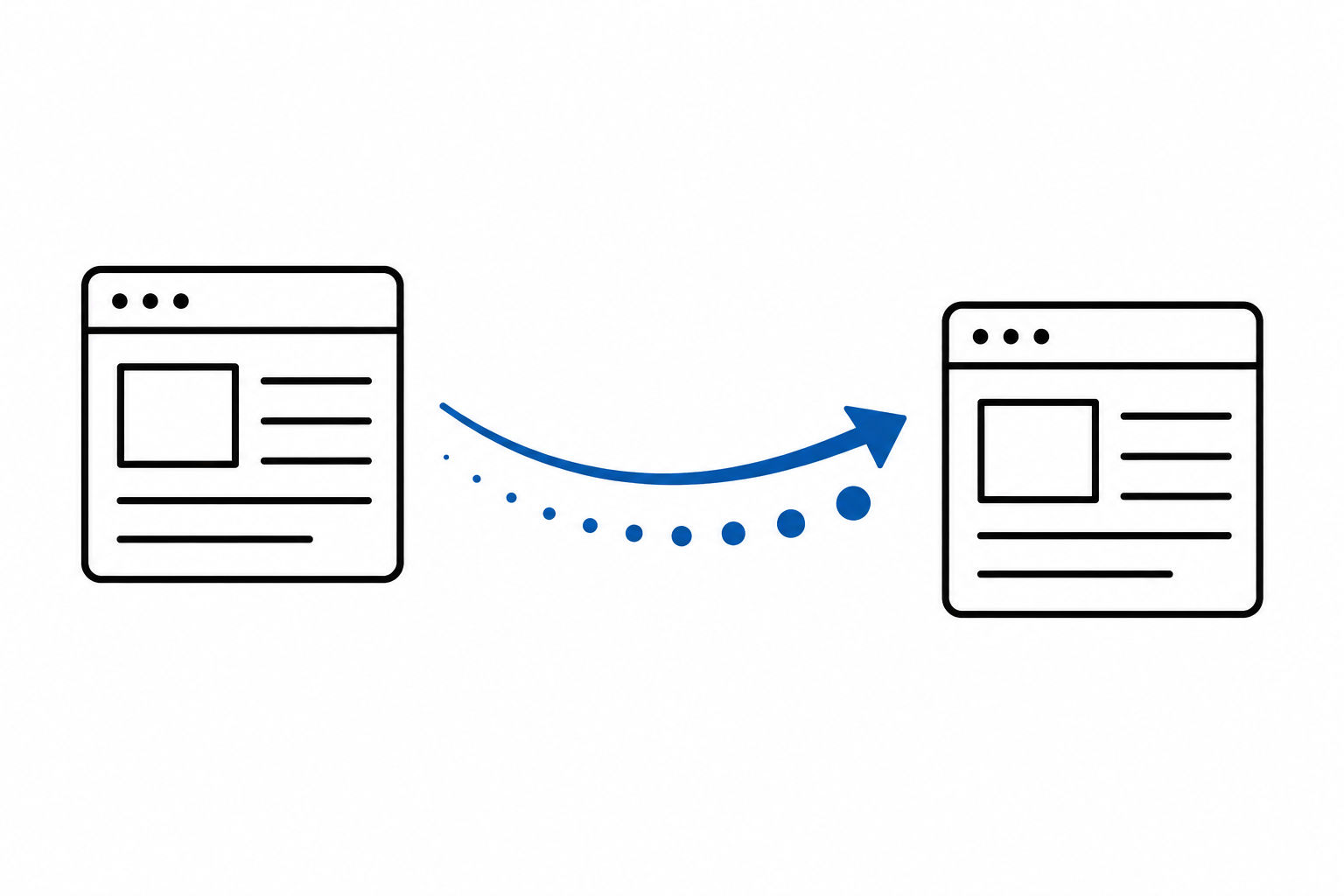
Now for status 301 — probably the best-known status code in SEO.
It's a clear statement: this content has moved to a new address, permanently. Used correctly, it's a genuinely powerful tool.
When you serve a 301, you're giving the search engine a specific instruction: forget the old link, replace it with the new one in the results. A crawler that had previously indexed the old article URL starts treating the new URL as the true home for that content — and that's the version that shows up in search results going forward.
But that's not all a 301 does. It also carries forward the SEO value that old URL built up over time. Picture an article from five years ago that dozens of other sites have linked to — blogs, other newsrooms, industry forums. Each of those links functions as a kind of trust vote in Google's eyes. A 301 makes sure those votes don't disappear along with the old URL — they carry over to the new one.
That's why 301s show up in a few specific situations. First: restructuring your URL scheme, say when a site moves from a clunky, technical URL format to something cleaner and more SEO-friendly. Second: fixing a typo in a headline that forced a change to the URL itself. Third: migrating an entire publication to a new domain, where every old URL needs a matching address on the new site. Fourth: merging two short, archival stories about the same event into one more complete article — you'd redirect both old URLs to that new, combined piece.
That power is exactly why so many damaging myths have built up around the 301 — and the biggest one is the idea that a 301 works like a universal patch: slap it on any dead URL and the problem disappears. In practice, a 301 only carries link equity forward when the new page genuinely continues the topic of the old one. Redirecting a deleted sports story to a homepage full of political news doesn't save anything — which brings us to the mistake covered next.
Why Redirecting a Deleted Story to the Homepage Is a Mistake
Newsrooms are terrified of blank pages and 404 errors.
That fear is where a bad habit comes from: delete an article from the archive, and the system automatically bounces the reader to the homepage. The logic seems sound — preserve the traffic, hold onto the link equity.
To Google, though, this is completely illogical behavior.
Picture someone searching for results from a local election a decade ago. They click the link and land instead on today's homepage with the weather forecast. Something feels off immediately.
Google recognizes this pattern easily. When it sees that the destination content has nothing to do with the original, it treats the redirect as deceptive — and triggers a defensive response.
The industry term for this is a soft 404 — because the page technically returns a 200 status ("OK"), but the content isn't actually what the user asked for.
The result? All the link equity you were trying to save simply doesn't transfer. It gets stuck halfway there.
The rule is simple: a 301 only makes sense when the new URL genuinely answers the same question the old one did.
Redirecting an old sports story to a new sports story on a similar topic — sure. Redirecting that same story to today's general news homepage — no.
Status 302, 307, and 308: Temporary Redirects and the Password Problem
Sometimes you need to route traffic elsewhere, but only briefly — during an outage in one section, or while testing a new layout.
For years, 302 was the tool for this: a temporary move. The message to the crawler was, "don't forget the old URL, it's coming back soon."
But it had a real technical flaw, one that was especially painful for subscription sites.
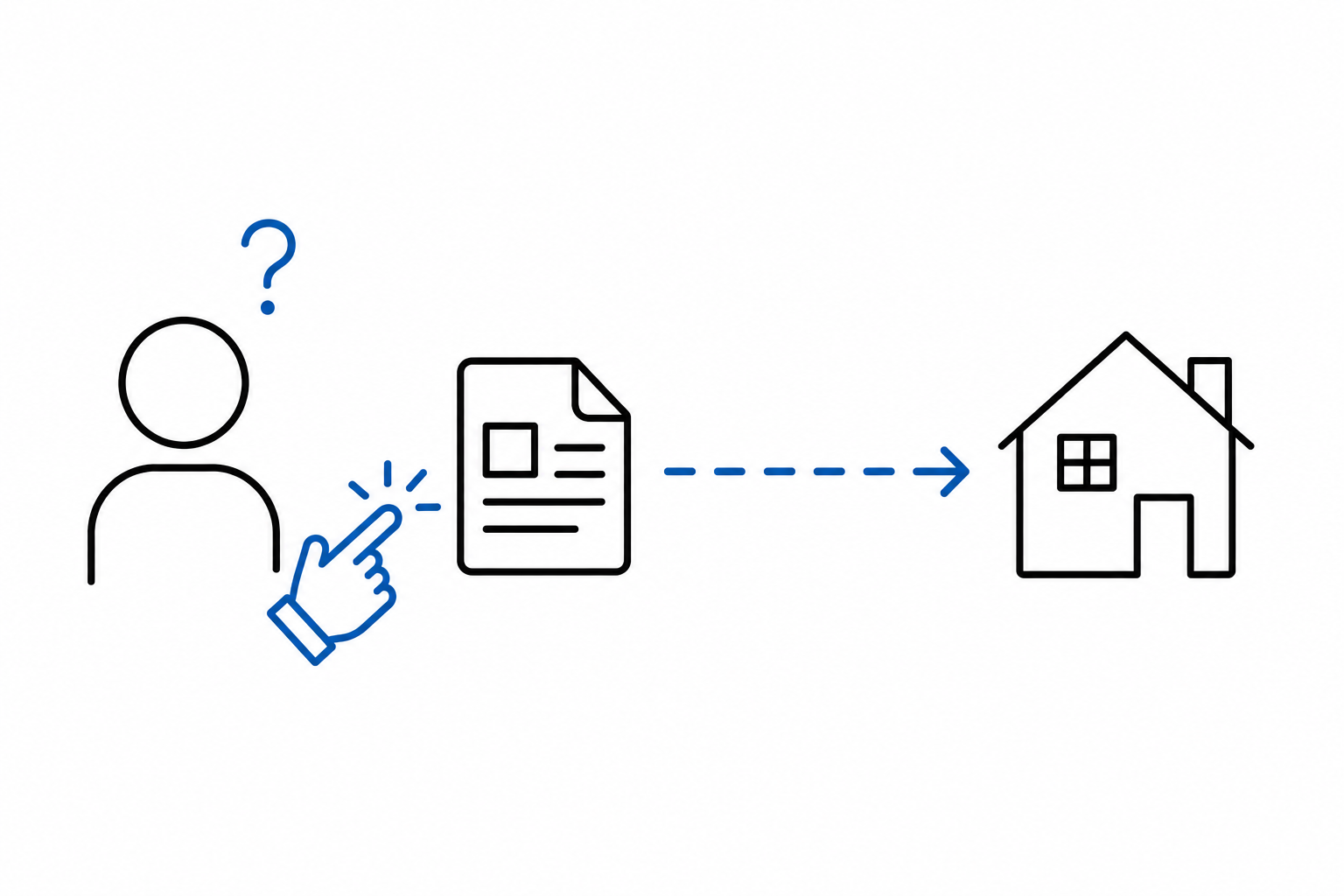
When a reader logged into their paid account and the system quietly ran a 302 redirect behind the scenes, older browsers could actually lose the submitted form data along the way. Take a concrete case: a reader fills out the login form, hits "sign in," and the system redirects them back to the article via a 302. Somewhere in that handoff, the login and password data could get dropped. The result: the reader has to type everything again, or just sees a login error — frustrating, especially for paying subscribers.
That's why newer standards emerged: 307 (temporary) and 308 (permanent). They behave the same way 302 and 301 do from an SEO standpoint, but they have one important advantage.
They never lose submitted data. Period.
When a reader submits a password through a payment gateway, 307 guarantees it reaches the new address safely, with no risk of anything getting lost along the way. Google trusts these codes fully, so it's worth making sure your engineering team uses them anywhere data is being submitted — logins, payments, forms.
Status 404: An Empty Page Isn't a Disaster
The internet's most famous status message: 404.
It simply means the server couldn't find the requested page. A persistent myth in marketing circles is that every 404 is a nail in the coffin for your Google rankings.
That's one of SEO's more stubborn myths.
The web is alive — articles get published and eventually disappear, and dead links are a completely normal part of running any large site. Google understands this and doesn't penalize you for cleaning up your archive.
There is a catch, though, and it matters for large publishers in particular.
When a crawler hits a 404, it assumes this might be temporary — maybe an admin is about to fix the link. Take an example: a site removes an old story about a water-main break from three years ago. The crawler hits a 404 and, instead of considering the matter closed, comes back to check that same empty page month after month — just in case the content returns.
That's crawl budget being wasted on something the crawler could be spending on more useful work, like indexing today's articles.
If your site is dealing with an indexing problem more serious than the occasional stray 404 — say, Google isn't seeing your site at all — that usually points to a deeper crawling or indexing issue worth auditing separately.
Status 410 (Gone): The Tool That's Easy to Overlook
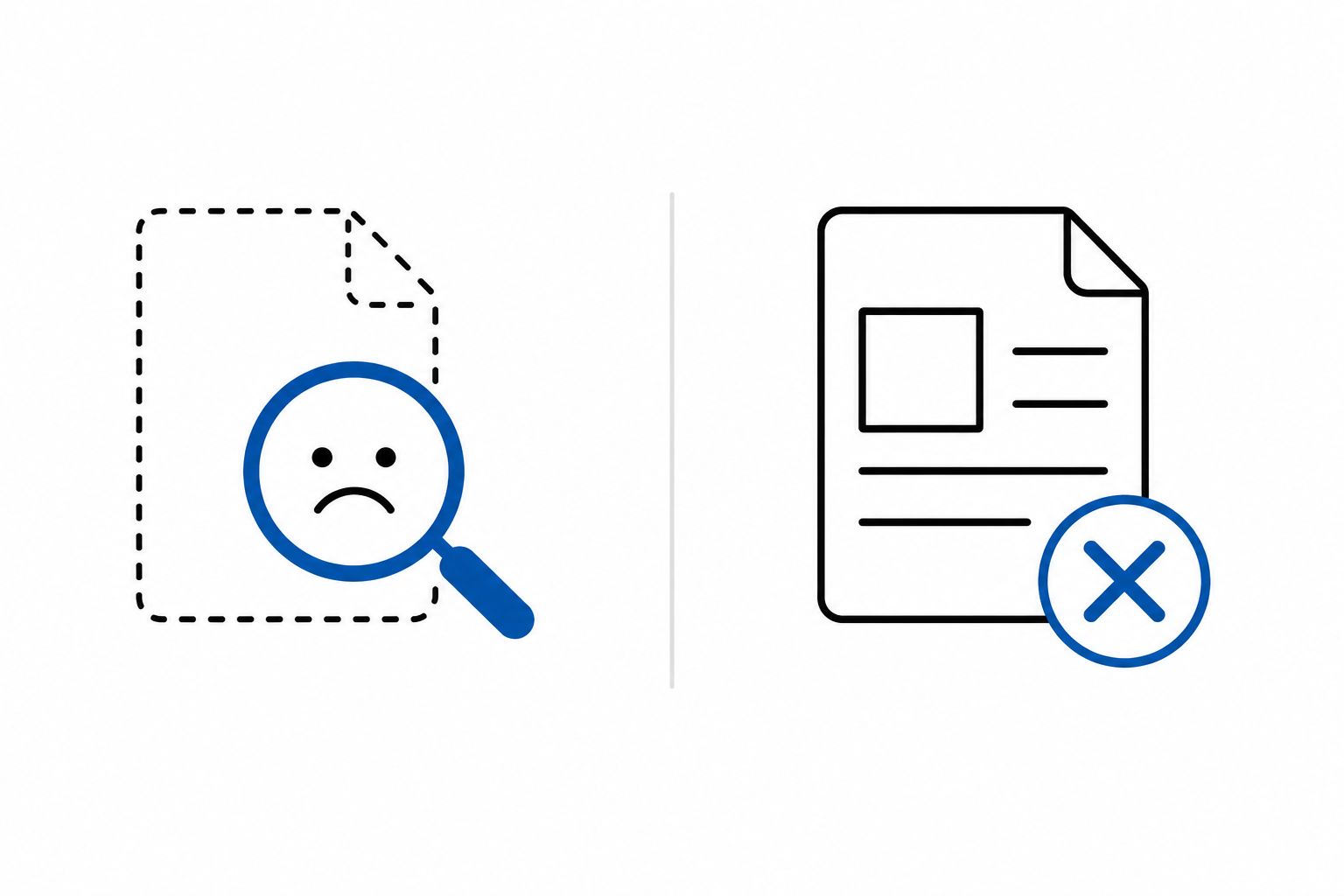
There's a second code for the exact same situation as a 404 — but with a very different meaning attached.
A 410 differs from a 404 in one key way. It doesn't say "I couldn't find this." It says, plainly, "this was intentionally removed, and it isn't coming back."
That's a very specific signal to anything crawling your site.
When a crawler hits a long-deleted story about a local traffic accident and gets a 410 instead of a 404, it registers that decision and stops coming back. If the content is gone permanently, there's no reason to check again next week, next month, or next year.
That's a real benefit for the entire site.
The crawl budget a search engine spends scanning your site stops getting wasted on dead URLs. Instead of circling back to old, empty pages, crawlers get to your five-minute-old articles that much faster.
For news publishers, this often determines whether you show up in Google News at all.
Don't Forget the Human Who Actually Sees This Page
There's one thing that's easy to overlook when you're building out a page for deleted content.
Returning the right error code for the crawler is one thing. What that page looks like to an actual reader is a completely different problem. Nobody wants to land on a bare white page with a technical error message — that's the fastest way to lose someone for good.
It's worth building a dedicated, friendly view for these cases.
Something on-brand, with a simple message: "this story has been moved to our archive because it's no longer current." Add a search bar.
Below that, surface a few of today's best stories.
That way, Google gets the signal to clear the link from its index, and the reader stays on your site instead of bouncing.
Status 451 and 418: The Law, and an Industry Joke
The HTTP vocabulary also has codes for some very specific situations.
One is 451 — it sounds grim, and that's intentional. The name is a nod to "Fahrenheit 451," the novel about book burning. This code shows up when a publisher has to take down an article for legal reasons.
A court order, a law enforcement takedown request, a copyright claim, state censorship — in any of these cases, independent outlets generally prefer to show a 451 rather than quietly delete the piece. It's a clear signal that the removal came from outside pressure, not an editorial decision.
For organizations tracking press freedom, that distinction matters.
A more amusing case is status 418 — a pure industry joke.
It was created more than twenty years ago, as an April Fools' gag. It literally means: "I'm a teapot, I can't brew you coffee." It was meant as a harmless joke among developers, with no real-world use.
Today, though, it occasionally gets a genuinely practical application.
News sites regularly fight bots that scrape content en masse. Picture a script hitting a server hundreds of times a minute, copying article after article into its own database. When a defense system catches that pattern, it can deliberately return a 418 instead of the actual page content.
The confused script often just chokes, unsure how to interpret the response.
Redirect Chains: Getting Lost Inside Your Own Site
Now that you know what the individual codes mean, it's worth looking at what happens when they stack up into long chains.
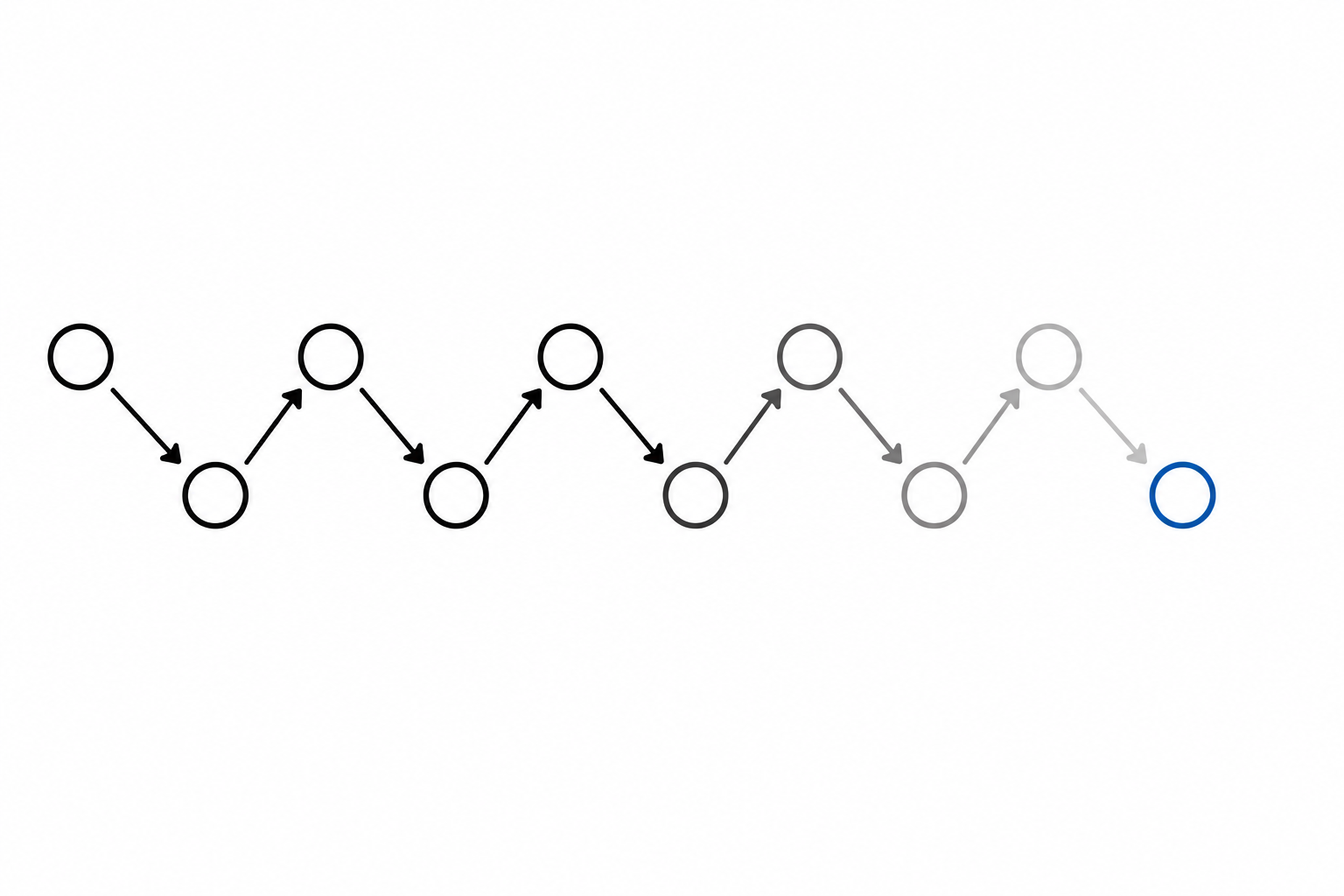
A publication grows over years — an SSL certificate gets added, section names change, the "www" prefix disappears. A link from 2011 jumps to a 2015 version, then 2018, and finally lands on the current URL.
That's a redirect chain — and it's the enemy of any optimization effort.
Every hop in that chain costs time. On a fast office connection you barely notice it, but a reader on a weak mobile signal sees a blank white screen for several seconds. Some of them will just close the page before it loads.
Google treats these chains just as unfavorably.
Per Google's own documentation: past ten hops, the crawler gives up. It stops following the chain, and whatever link equity you were trying to preserve evaporates along the way. That's why your technical team should keep the structure flat — old link straight to the final URL, no historical layovers in between.
Are All Redirect Chains Bad? A Few Exceptions
There are situations where a short chain makes business sense and doesn't hurt anyone.
The first is affiliate links. When you recommend a product, you route the reader through a server that logs the commission before they land in the retailer's cart. That's a deliberate, revenue-generating redirect, and search engines have no issue with it.
The second is access verification on subscription sites.
To check whether a reader has a paid subscription covering a given article, the system may need to briefly route them through a separate authentication service before sending them back to the article.
As long as that process is short and built on safe codes — like the 307 mentioned earlier — search engines don't see any red flags.
AI and HTTP Status Codes: A Different Set of Rules
Finally, it's worth looking at what publishers are up against beyond classic Google search these days.
The traffic numbers coming out of 2026 make that clear. Multiple outlets have reported steep, sustained drops in Google referral traffic since AI Overviews rolled out — enough that companies including USA Today's parent and Reddit have publicly discussed blocking Google's crawler entirely rather than keep feeding a system that sends them less and less traffic in return. Industry groups tracking member sites have documented year-over-year referral declines across both news and entertainment publishers, and the debate has moved well past "is this happening" into boardroom conversations about whether staying visible in Google is even worth the cost anymore.
That backdrop matters here because language models and generative AI search engines pull knowledge from news sites to serve users ready-made summaries — and AI bots handle redirects noticeably worse than Google's crawler does.
Back to the same example: a deleted story redirected to the homepage.
A classic search crawler will quickly spot the trick and disregard that URL. An AI bot tends to be far more credulous — it'll follow an old link to a deleted TV review, land on today's homepage featuring a political scandal interview, and simply merge the two as if they were connected.
The result? The model generates nonsense for the user, citing your newsroom as the source.
That's a fast way to burn reader trust in your brand — and at a moment when every newsroom is already fighting to hold onto whatever traffic and credibility AI systems leave them, that risk is harder to shrug off than it used to be. Therefore, using 410 honestly, wherever content is genuinely gone for good, is more than a technical best practice today — it's protection against misinformation that can spread across the web with your name attached to it.
A Few Questions Before You Hit "Redirect"
A large archive means constant decisions, and every one of them has a cost — in traffic, in team time, or both.
Knowing the 300 and 400 status code families isn't just an IT department concern. It's a strategic tool for anyone responsible for how a site shows up in search.
Before ordering another mass redirect of old topic sections, it's worth asking your team a few questions.
Does the new page genuinely answer the same question the old headline did?
Is a ten-year-old story about a long-forgotten local event still delivering any real value?
Would removing that content from the index via 410 free up crawl budget for fresher, current publishing?
If the answers point toward cleaning up the archive — do it. Build a proper error page, cut the dead links loose, and let the crawlers focus on what's actually current.