polski
 español

 Magdalena Szypulska
A CMS migration affects more than the system your editors use. URLs change, archives move, redirects have to work and Google has to find the new pages. If any of these pieces are missed, search traffic can drop.
Start by taking stock of your old site
An old site usually has far more web addresses than you can see. Some stories dropped out of your menus years ago and still show up in Google or get visits from other websites. These are called orphan pages: nothing on your site links to them, but readers and search crawlers (the software Google uses to scan websites) can still reach them.
Old sites often have other surprises: addresses built on article ID numbers, dates in the path, pages created by plugins nobody remembers, content left over from a previous vendor, or a print-era archive imported years ago and never cleaned up. It is much easier to find them before the move than after.
Gather data from Google Search Console (Google's free tool that shows how your site performs in search), Google Analytics, your server logs, an SEO crawler (a tool that scans your site the way Google does) and the old CMS database. Together they show which pages actually bring traffic, which stories readers keep coming back to and which features your newsroom depends on. If your old vendor is slow to respond, ask for a full database and media export early.
Plan your URL changes
A URL is a page's web address. If a story has lived at one URL for years, collected links and ranked in search, giving it a new address means setting up a redirect, so that anyone who uses the old address lands on the new one.
The foundation is a redirect map: a list of every old URL next to its new one.
For example:
old URL: /2019/05/12/new-road-in-town
new URL: /local/new-road-in-town
After launch, the old URL should take readers straight to the matching story. If you are also deciding what your new URLs should look like, our guide to URL structure for SEO covers the basics: readable words, hyphens, folders instead of subdomains and canonical tags.
The usual approach is 1:1 mapping: each old URL points to one specific new URL. With a large archive this matters, because one wrong assignment can affect thousands of stories.
For a permanent move, Google recommends server-side redirects, including 301 or 308 (301 is the standard "moved permanently" code). Google also advises keeping redirects in place for at least a year.
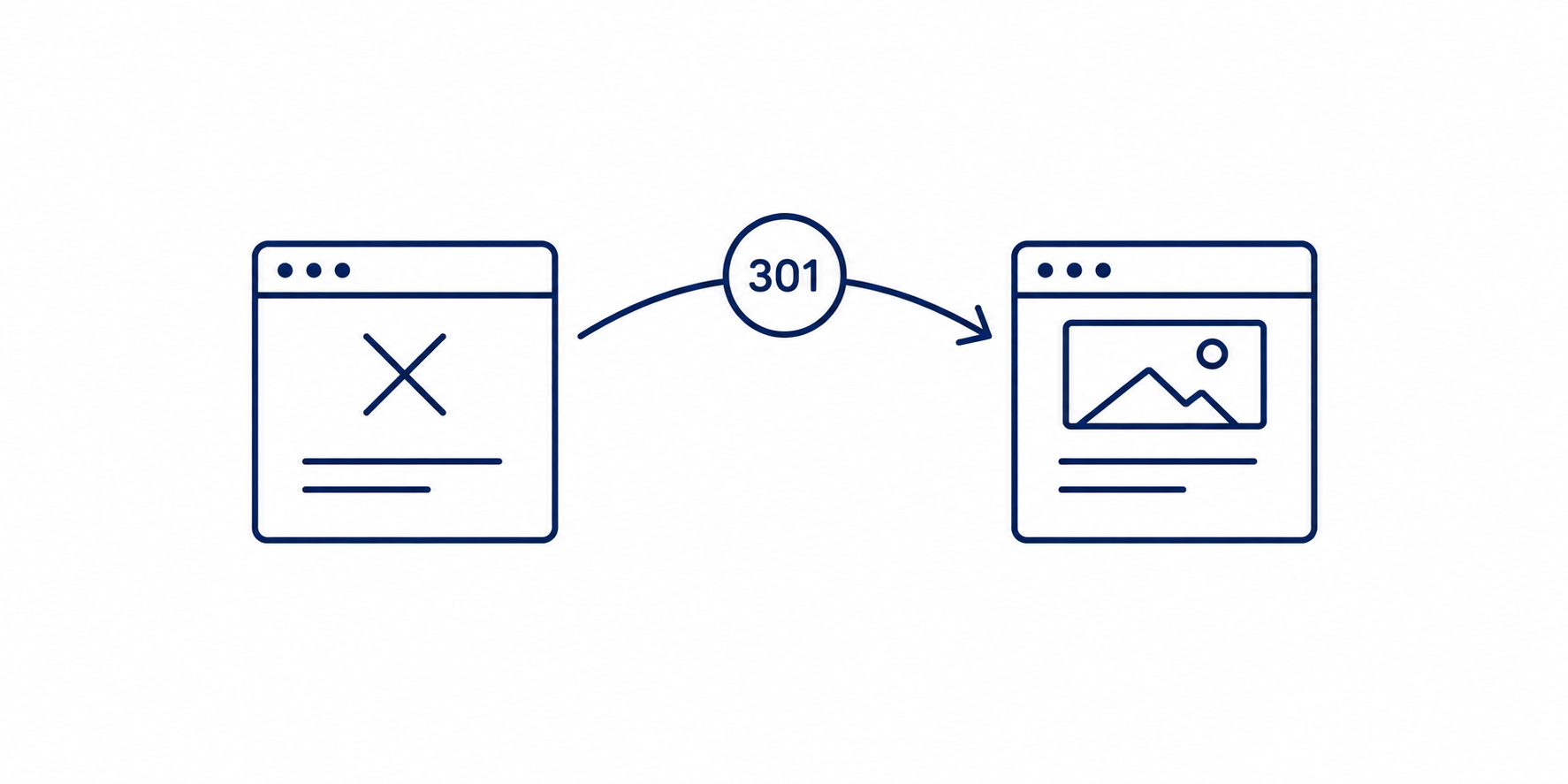
Don't send hundreds of old stories to your homepage just to make "page not found" (404) errors go away. If a story has an equivalent on the new site, the redirect should go there. Google warns against mass-redirecting unrelated URLs to the homepage.
When a page was deliberately removed and has no equivalent on the new site, you can return a 410 ("Gone") status code.
Avoid redirect chains and loops
An old URL should point directly to the final URL rather than through another redirect. Redirect chains add extra requests and can become a problem on a large site.
A redirect loop is worse: address A redirects to B, and B redirects back to A. The browser keeps bouncing between the same two addresses, the story never opens and the reader sees an error.
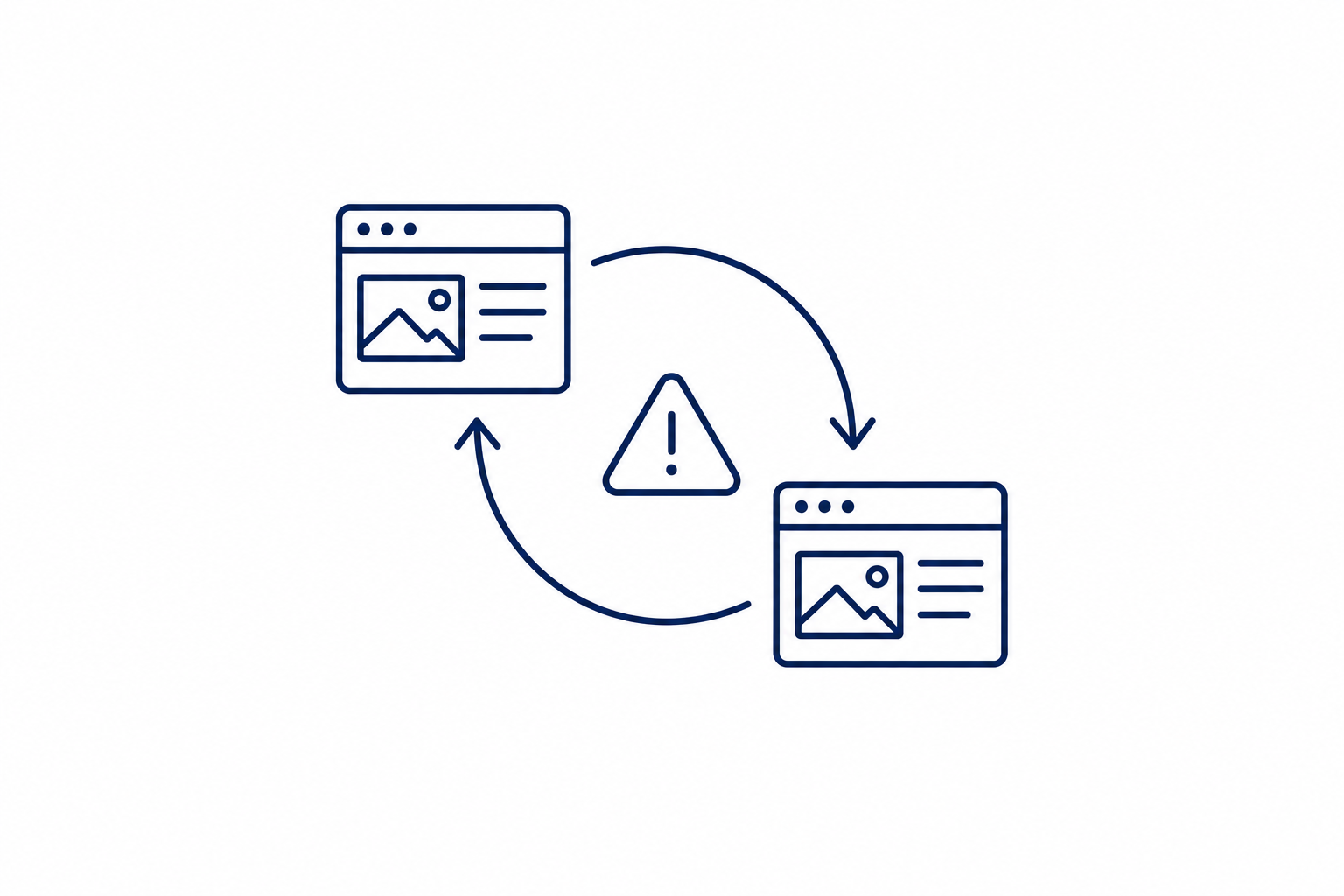
Loops often appear when rules left over from the old system run alongside new ones, or when server rules conflict. This is common on older sites that have changed hands or vendors more than once.
Another frequent mistake is the soft 404: the page looks like an error ("not found"), but the server still reports success (a 200 code). To Google this is confusing: the page seems to exist, so it gets indexed even though it is useless to readers. In migrations it usually happens when an old URL with no equivalent is redirected to the homepage or a category page instead of returning a proper 404 or 410.
A site with a long archive can have thousands or tens of thousands of old URLs, so rules written one at a time don't scale. The redirect map should be prepared so the server can process it efficiently and the rules do not conflict with each other.
Keep in mind that 410 should not be the default answer of the whole server. It is a signal for individual pages you deliberately removed, not a bulk setting.
Move the full story data
Moving a story means more than moving its text. Keep the headline and title tag, the meta description (the summary shown in search results), publication and modification dates, the author, categories, tags, structured data (behind-the-scenes markup that helps Google understand a page), photos, galleries and internal links.
For newspapers it also means the things that make local news local: obituaries, legal notices, event listings, corrections and wire stories. For TV and radio stations it means embedded video, audio archives, podcast episodes and show pages.
Don't overlook the relationships between stories. If your old site shows related stories under an article, the latest items from a section or a most-read list, those features should keep working after the move.
What about stories published during the migration?
The newsroom keeps publishing during the migration. New stories, updates and photos still come in, and older stories may still be edited.
There are two common ways to handle this. With Delta-Sync, the whole database is copied at the start, and afterward only stories that were added or changed are synchronized.
With Dual-Publishing, selected stories are published in the old and new systems at the same time.
At switchover, the new CMS should hold current content, not only an archive copied a few days earlier. For a station or a daily paper, choose a switchover window away from your busiest news hours.
Test before you launch
The new version should first run in a test environment, so you can check everything without touching your live site.
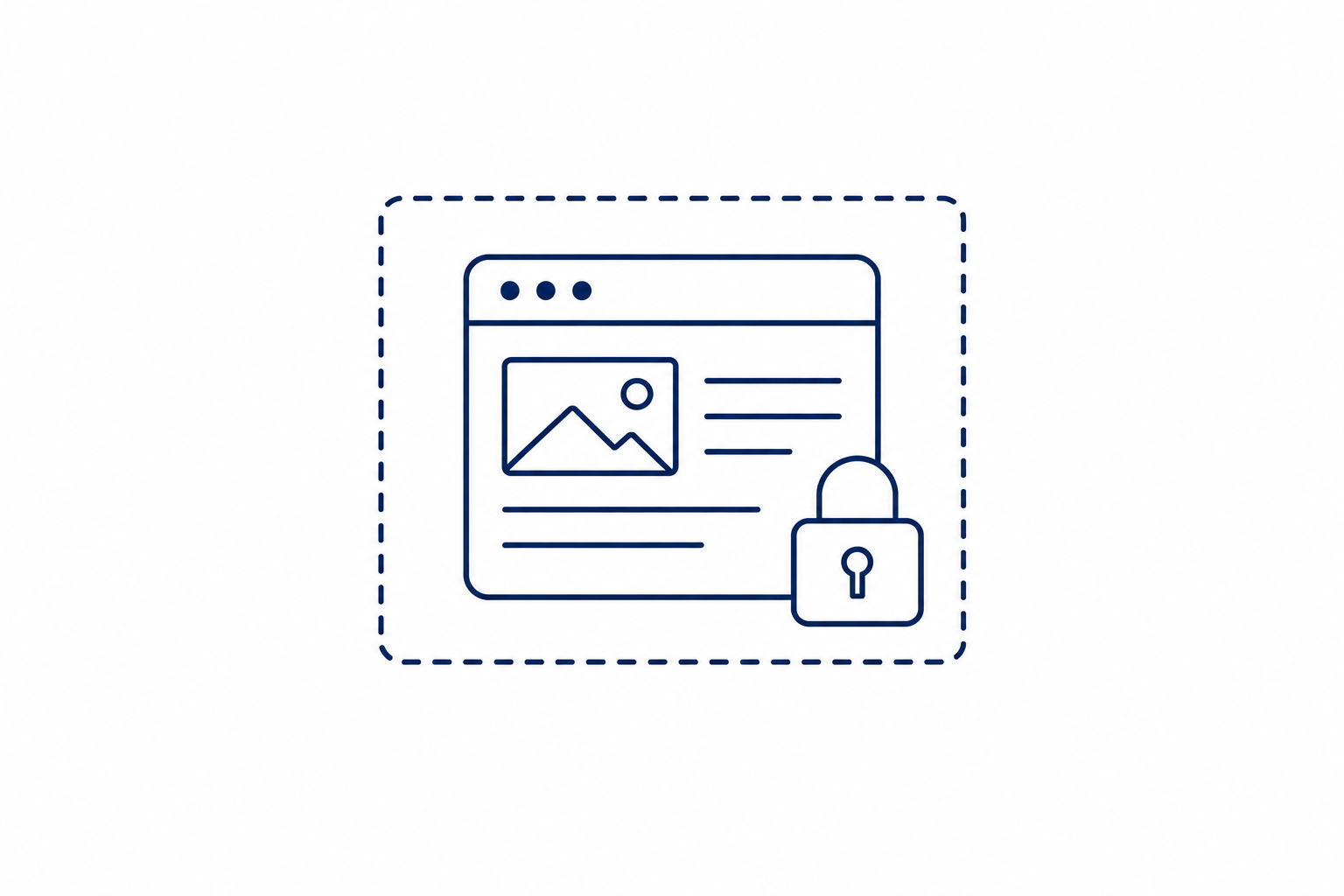
Keep that version closed to the public and to Google. A simple option is Basic Auth: the server asks for a username and password. When you go live, remember to remove any test blocks (such as noindex tags or robots.txt rules), or Google will keep ignoring the new site.
On the test site, check URLs, redirects, canonical URLs, the sitemap, structured data, images, links and page layouts.
Google recommends testing the new version thoroughly before the migration begins and, when URLs change, preparing a mapping from old URLs to new ones.
Check the canonical URL of every page
The same story can sometimes be reached at several URLs. The canonical URL tells Google which version of a page you consider the preferred one, so canonical tags should be checked during the migration.
For the new version of a story, the right final URL should be set as canonical. When URLs change, Google recommends updating your internal links so they point to the new addresses. If you publish wire or syndicated stories, check which version should count as the original.
For more on this area, see our article on SEO fields.
Photos and images
Photos are often the most fragile part of a migration. Files get renamed, resized and re-exported, and the credits and captions that came with them are easy to lose along the way.
Credits can matter beyond courtesy. Under Section 1202 of the DMCA, intentionally removing or altering copyright management information, such as a photographer's credit, can create liability in certain circumstances. In Mango v. BuzzFeed (2020), the Second Circuit upheld a statutory damages award after a BuzzFeed journalist downloaded a photographer's picture from a newspaper's website, replaced the photographer's credit with a different name and used the photo without permission. In Murphy v. Millennium Radio Group (2011), the Third Circuit held that a photographer's credit printed beside a magazine photo can qualify as copyright management information, in a case where a radio station's website had used the image with the credit cut off. Section 1202 does not make every accidental loss of a credit a violation. The statute includes knowledge requirements tied to copyright infringement, and courts have interpreted those requirements differently. Still, it is worth preventing: store credits and captions as separate fields, and make sure resizing or re-exporting does not strip relevant IPTC metadata (the photographer and credit data stored inside the image file). This is general information, not legal advice.
Photo licenses should be reviewed before the migration. Wire pictures, stock images and freelancer work can carry limits on where, for how long and in what form they may be shown. Getty Images, for example, restricts its editorial images to editorial use and ties the terms of rights-managed editorial content to how, where and for how long they are used. Terms differ by agency and by contract, so go back to your own agreements with AP, Getty, other agencies and freelancers for time limits, archive rights and credit requirements. A migration is a good moment to record the source and license of every photo in the new system and to retire images you may no longer have the right to show.
If image URLs change during the migration, they should be redirected just like page URLs. Re-crawling images takes longer than pages, sometimes months, according to Google's office-hours guidance, so Google Images traffic may recover more slowly than page traffic. Keep the alt text (the short description of each image), and avoid placing key images only as CSS backgrounds, which Google Images does not index. If your old site passed creator, credit and license to Google through structured data or IPTC metadata, the new one should do the same.
Discover has its own picture rules: Google recommends large images at least 1200 px wide, the max-image-preview:large robots setting, and no site logo as the main image. Check that the new templates set this correctly, including the og:image of each story (the picture used when a story is shared or shown in feeds).
On TV and radio sites, the media library usually moves separately from the stories. Video poster images, show and host photos and podcast cover art are the files most likely to go missing.
Google News and Google Discover
For a news site, traffic from Google News and Google Discover (Google's personalized feed of stories in the Google app and on many phones) matters too.
The new system should keep the elements used for fresh content, including publication and modification dates, structured data, images and the News Sitemap, a special file that lists your newest stories for Google.
Google News has its own rules that matter in a migration. Its technical guidelines say article URLs must be unique and permanent, that you should not re-publish articles under a new URL, and that the URLs of your main news sections should not change often. If your URL pattern changes during a CMS move, Google asks publishers to send it their pattern transformation rules, and says it can help with these changes. Its crawler also reads HTML links best, so section pages should link to articles with plain HTML links, and the folders that hold your articles must not be blocked by robots.txt or meta tags.
More on the technical requirements is in our guide to Google News.
If Discover is an important traffic source, check it separately after launch. A migration alone doesn't guarantee that the traffic will hold, so watch the data in Search Console.
What it really costs, and who does the work
For a small newsroom, the price of a migration is not only the invoice. It is the staff hours spent on the move, the monthly fees for the old CMS, hosting, newsletter and e-edition tools, and the traffic you lose if something goes wrong.
Before you sign anything, ask: Is the archive migration included? Who builds and checks the redirect map? Is training included? And who picks up when something breaks on launch day?
For a local publisher, the practical questions are whether the newsroom can run the system without a developer and who will handle the migration and any problems after launch.
CMS4media and site migrations
CMS4media is a content management system (CMS) for local newspapers, TV and radio stations and online news websites. It combines the newsroom dashboard, page builder, SEO tools, advertising, e-editions, obituaries and multi-site management in one system. Editors can run the day-to-day work without a developer, with personal support from our team.
CMS4media runs local news sites across the United States, including Boerne Star, Taylor Press and Austin County Insider in Texas, Florida Weekly Destination in Florida, The Canton News in Mississippi and The Fallon Post in Nevada.
We have experience migrating sites with many years of archives. In these projects we handle the content migration, URLs, redirects and indexing, and we check the site after launch, so your newsroom keeps publishing instead of learning server rules.
In 2026, six news sites owned by Hartmann Media Consulting were moved to CMS4media. Their archives spanned years, so the migration also covered photos and metadata. After launch, the old URLs were audited, the 301 redirects were cleaned up, and indexing was checked in Google Search Console.
After launch, April was still a period of testing and of readers getting used to the changes. From June, results began to grow. Over the following months, traffic from Google Discover rose by nearly 41% and from Google News by 14.9%. Search traffic was maintained. The figures come from post-launch data reported in the case study and a conversation with the publisher.
If you use a paywall
If part of your content is for subscribers only, the access restriction has to survive the migration.
The new system should preserve the structured data that identifies paywalled content, including isAccessibleForFree and hasPart, so Google can understand which parts of the article require a subscription.
Check the performance of the new site
Changing the CMS can change how pages are generated, how the database is queried, how caching works and how ads are served.
A basic metric is TTFB (Time to First Byte): how quickly your server starts sending a page. Check real page load times too, and how the site behaves under heavier traffic, such as breaking news or election night. Stations should test the video and audio players as well.
For more on how page speed and your choice of CMS affect your SEO, read Speed Is the New Currency: Why Your CMS Choice Could Kill Your SEO.
If your site uses tools such as Prebid.js for header bidding, check the ad integrations during the migration, including how formats load and where ads appear.
For a larger site, a CMS migration can be a chance to tidy up ad operations and your work with advertisers.
Our publishers can use Ads4media, our platform that connects websites with advertisers. It works independently of the CMS, so it is available to publishers on other systems too.
In Ads4media, a publisher can present its advertising offer and receive orders for sponsored articles, banner campaigns and other forms of advertising. Publishers can manage these offers and orders in one place.
The CMS should fit how your newsroom works
The reason for a change may be performance, missing features, advertising problems, rising fees or too much dependence on developers.
In practice, a new CMS is judged by the daily work: how quickly editors can publish and update stories, how photos and galleries are handled, and how easily the site can grow.
When you run several sites
Each site can keep its own content, settings and history while sharing the same underlying system. This is useful for newspaper groups, chains of weeklies and groups of radio or TV stations.
CMS4media lets you manage multiple sites from one dashboard. The sites stay separate, while some tasks can be handled in one place.
What to check after launch
Once the new version is live, the most important things to watch are traffic, server errors and indexing (how many of your pages Google has added to its search results).
Compare your Google Search Console data with the period before the migration. Pay special attention to the number of indexed pages, 404 and 5xx errors (5xx means a server problem), and how your most important URLs behave.
Google recommends monitoring traffic on both the new and the old version of the site. In Search Console you can follow indexing, the sitemap and any errors that appear after the move.
Check the site on readers' phones and computers as well, including page load times.
Keep watching the site after the migration
Before work begins, analyze your current site, prepare the URL map, plan how to move the data and the stories published during the migration, and test the new version.
After launch, monitor traffic, indexing, server errors and performance.
The first days help you catch technical problems, but the fuller picture comes from the following weeks. Google notes that visibility can change temporarily during a migration, before the new URLs are processed. In the Hartmann Media Consulting case study, April was a period of testing and of readers getting used to the changes, and a clear rise in results was visible from June. It is a single example, not a rule, but it gives a rough timeframe to prepare for.
Over the following weeks, check whether the new URLs are indexed correctly, whether traffic is returning as expected and whether the CMS remains stable under real traffic.
Thinking about a move?
See CMS4media in the live demo, or talk to our team about your site, archive and migration timeline.