polski
 español

 Magdalena Szypulska
Today, Google visibility is dictated by an inseparable duo: high-value content and flawless technical performance. If your technical performance drops, you might quickly find yourself wondering about the 10 reasons why you might be invisible on Google and how to fix them. For publishers, news portals, and creators, this means the choice of a Content Management System (CMS) is no longer just a matter of convenience. It is a strategic business decision that can determine the survival of your entire project.
This guide is your roadmap to the new reality of SEO. To get a broader picture of this shifting landscape, check out how to survive and rank in the era of generative search. We will explain why load speed is now just as critical as the quality of your prose, how Google grades your site using Core Web Vitals—for a deeper dive into specific metrics, read our comprehensive guide on Google Core Web Vitals—and why outdated platforms weighed down by dozens of plugins might be dragging your business to the bottom. We will also look at how modern, specialized systems like CMS4Media are answering these challenges, giving publishers the weapons they need to compete in this new era.
In Brief: FAQ
Why is page speed critical for SEO right now? Speed is critical because, following major algorithm updates, Google treats it on par with content quality. Slow sites lose visibility, and a single second of delay can slash conversions by 7%. Strong Core Web Vitals scores (LCP, INP, CLS) are now non-negotiable for high rankings.
How does CMS choice affect performance and Google rankings? The impact is fundamental. Open-source platforms like WordPress often struggle with performance (only 44.34% pass Core Web Vitals assessments) due to "plugin bloat." Modern, integrated systems offer built-in SEO and monetization tools, guaranteeing superior speed and stability out of the box.
What are the most important optimization steps for editorial teams? Focus on media optimization (compression, next-gen formats like WebP/AVIF), defining image dimensions (to prevent layout shifts), and implementing "lazy loading." Crucially, use a CMS that automates these technical tasks, freeing your team to focus on creating E-E-A-T compliant content. If you rely on AI to assist in that creation process, be sure you know the 10 things you should know about ChatGPT before writing articles.
Table of contents
- The Turning Point: Why Speed Became the New Gold
- Core Web Vitals: How Google Grades Your Site
- Your CMS: Anchor or Rocket Fuel?
- Case Study: How CMS4Media Answers the Call
- A Practical Optimization Guide for Editorial Teams
- Summary: Future-Proofing Your Strategy
The Turning Point: Why Speed Became the New Gold
The answer is simple: both Google and users have lost patience with slow websites. What used to be a nice-to-have feature is now the foundation. Without it, your entire marketing strategy can collapse.
The June Algorithm Shake-Up
What happened during the massive June update? Google implemented algorithmic changes that proved to be a watershed moment for many publishers. Sites that had been bleeding traffic for months suddenly saw spikes—some by 20%, others by a staggering 80%. Meanwhile, stable giants began to lose visibility.
Analysis revealed a clear pattern. Google shifted to a more integrated assessment model, rewarding those who successfully bridged two worlds:
- High-Quality Content: Aligned with E-E-A-T signals (Experience, Expertise, Authoritativeness, Trustworthiness).
- Technical Excellence: Specifically, speed and stability as measured by Core Web Vitals.
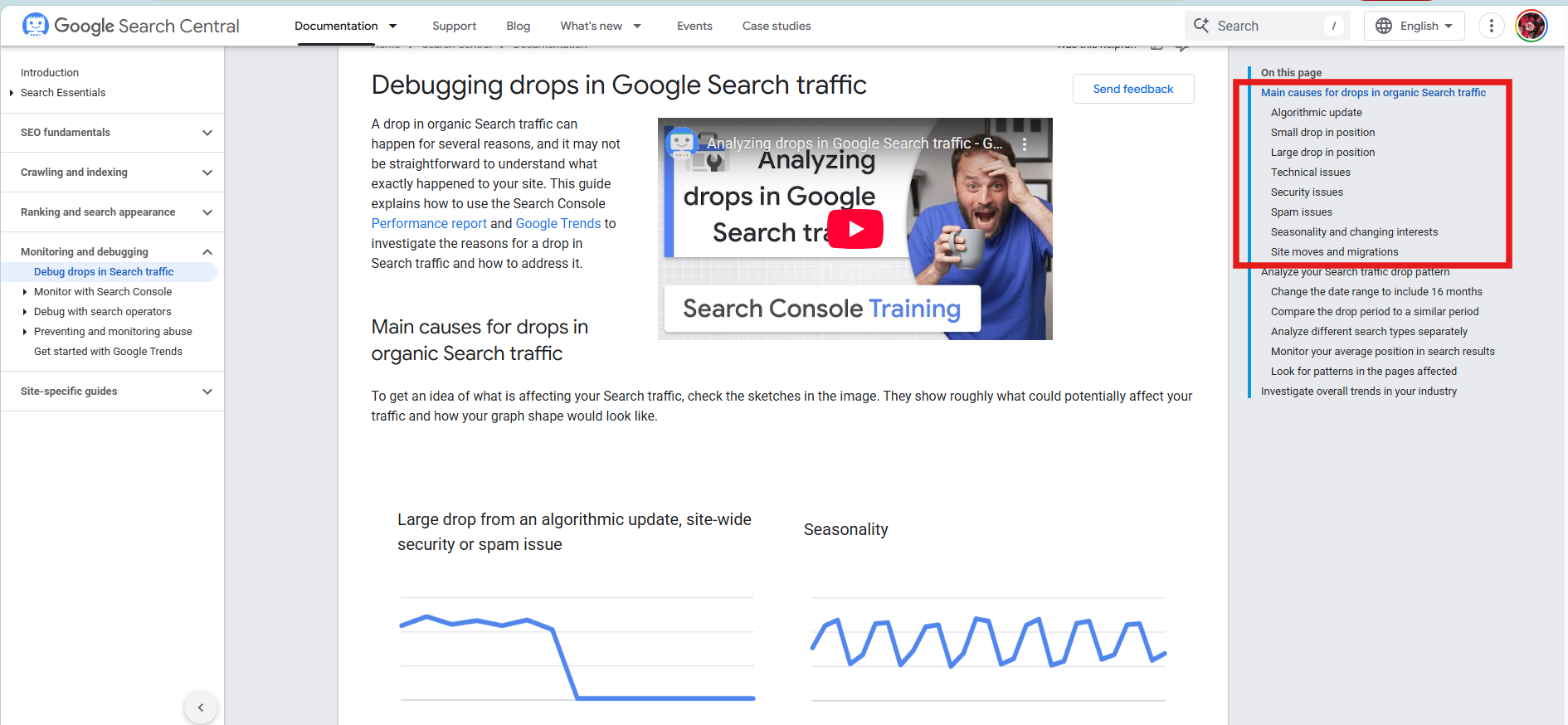
The Verdict? You can write the best investigative journalism in the world, but if your site loads like a relic from the dial-up era, Google will show it to a fraction of the audience. This is the new rule of the game, demanding that publishers balance editorial excellence with technological prowess.
Speed is Money: The Hard Data
Site performance is no longer an abstract technical metric; it is a hard business KPI that directly impacts revenue. The numbers speak for themselves:
- Amazon calculated that every 100 milliseconds of latency costs them 1% in sales.
- Pinterest saw a 15% increase in search traffic and sign-ups after reducing wait times by 40%.
- The BBC lost an additional 10% of users for every extra second their site took to load.
- Current research indicates that a delay of just 1 second can lead to a 7% drop in conversions.
These figures make one thing clear: speed optimization is not a cost; it is a strategic investment. Users demand instant gratification, and every second of hesitation is money left on the table. To accurately measure these financial and traffic impacts, it's crucial to consult a technical guide to Google Analytics 4 and Search Console.
Core Web Vitals: How Google Grades Your Site
Core Web Vitals are a set of three specific metrics Google uses to measure User Experience (UX). Think of them as your site's technical "report card." Understanding them is crucial, even for non-technical editors.
LCP, INP, and CLS: A Guide for Content Creators
Forget the jargon. Here is what these metrics mean for your daily work:
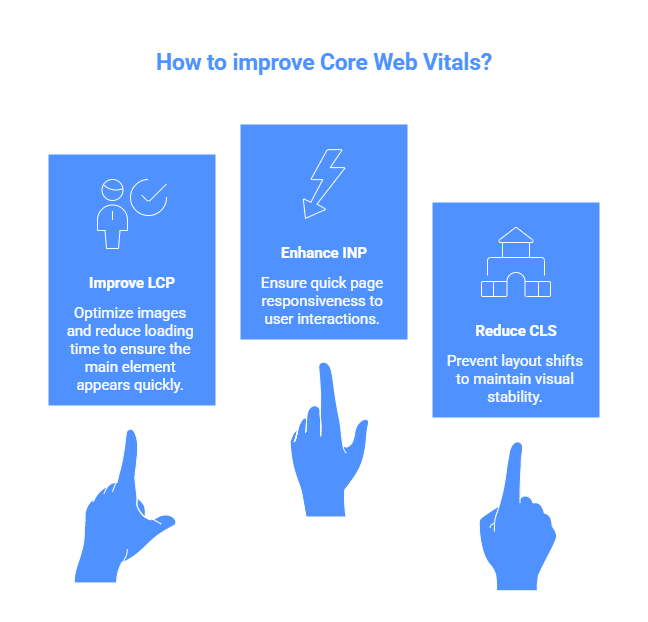
- LCP (Largest Contentful Paint) – Loading Speed: How fast does the main element (like the headline image) appear? Google wants this to happen in under 2.5 seconds. A massive, uncompressed hero image is the easiest way to fail this test.
- INP (Interaction to Next Paint) – Interactivity: How quickly does the page react when a user clicks a button or menu? This rigorous metric measures responsiveness. A good score is under 200 milliseconds. If your site "freezes" while loading heavy scripts, your INP will suffer.
- CLS (Cumulative Layout Shift) – Visual Stability: Do elements jump around while the page loads? The usual suspect is an ad that loads late, pushing the text down just as the user starts reading. Google punishes this heavily. A good score is near zero (below 0.1).
The Publisher’s Dilemma: Ads vs. UX
Here lies the heart of the problem for many portals. Ads and multimedia are essential for monetization, but they are also the biggest threats to Core Web Vitals. Poorly optimized video players or programmatic banners can kill your LCP and cause visual chaos (CLS).
The solution isn't to remove ads, but to manage them strategically at the technology level. A modern CMS should reserve space for an ad before it even loads, eliminating layout shifts. It should also ensure ad scripts don't block main content. This is a job for your platform, not your editors.
Your CMS: Anchor or Rocket Fuel?
Your Content Management System (CMS) is the engine of your website. Its architecture and code fundamentally decide whether your site will be a speed demon or a sluggish, heavy vehicle. Of course, an engine works best in a well-designed chassis, which is why site structure optimization to build an architecture that Google loves is so vital.
The Open-Source Paradox: Why WordPress Has a Problem
Platforms like WordPress conquered the web thanks to flexibility and a massive plugin library. Today, their greatest strength has become their greatest weakness. The Core Web Vitals Technology Report is ruthless: only 44.34% of WordPress sites pass Core Web Vitals assessments.
Why the gap? Every plugin you install adds extra code, potential security holes, and server load. A site with dozens of plugins is like a ship with hull breaches—you can patch them, but it will never be as fast or watertight as a purpose-built vessel. These platforms carry "technical debt" that grows with every update.
The New Generation: Tech Trends in a Nutshell
To combat this, the market has evolved. Modern news portals are adopting advanced architectures:
- Headless CMS: The backend (content management) is separated from the frontend (display). Think of content as water—Headless allows you to pipe it anywhere (web, mobile app, smart watch) instantly. To keep all those endpoints organized, you'll definitely need the ultimate guide to URL structure for SEO.
- SSR (Server-Side Rendering): The page is "assembled" on the server and sent as a ready-made HTML file. Perfect for dynamic news, ensuring immediate visibility for Google. To further speed up Google's discovery of these dynamic pages, learning how the modern sitemap in practice helps Google discover your portal is a game-changer.
- SSG (Static Site Generation): Pages are pre-built and stored as static files. It's like meal-prepping for the week—food is ready to serve instantly. Ideal for evergreen content.
Case Study: How CMS4Media Answers the Call
CMS4Media is an example of a platform built from the ground up for publishers, specifically addressing the flaws of open-source giants.
The "No Plugin" Philosophy
The core idea is simple: "No plugins, just performance." The platform provides a ready-to-use ecosystem containing tools essential for a modern portal:
- Visual Drag-and-Drop Editor: Allows editors to build layouts without touching code.
- Built-in SEO Tools: Real-time analysis of articles, optimizing titles and headers as you write.
- Integrated Monetization: Built-in paywalls, classifieds, and deep integration with the Ads4media.online ad network. This connects thousands of portals with active advertisers, streamlining revenue generation. If you're creating content for these partners, it pays to learn how to write a good sponsored article. And to ensure you aren't penalized for duplicate content across these networks, mastering the canonical tag in sponsored content is essential.
- AI Assistant: Unique to the platform, this AI helper accelerates content creation, writing meta descriptions, leads, or even full posts with personalized prompts.
Performance in Practice
Theory is fine, but stress tests reveal the truth. Publishers using optimized architectures like CMS4Media report handling traffic spikes of over 2,000 users per minute seamlessly. In comparison, previous setups often buckled under a quarter of that load. This proves that a solid infrastructure (like AWS) combined with clean code is the only safety net against virality.
A Practical Optimization Guide for Editorial Teams
Even the fastest CMS won't save you if your content is unoptimized. Performance is a team sport. Here is the checklist every creator needs:
Managing Multimedia: Taming the Beast
Images and video account for 60-80% of a page's "weight." Optimizing them is non-negotiable.
- Use Next-Gen Formats: Ditch JPEG and PNG. Use WebP or AVIF. AVIF can be 50% smaller than WebP with identical quality.
- Compress Everything: Tools like TinyPNG can shave off 50-80% of file size.
- Define Dimensions: Ensure your CMS assigns width and height attributes to every image. This reserves screen space and prevents CLS.
- Lazy Loading: Make sure images below the fold only load when the user scrolls to them. This dramatically improves initial load times (LCP).
Automated Workflows
A modern CMS should be your partner, not your obstacle. Features like real-time SEO audits or automatic image optimization remove the technical burden from editors. This allows your team to focus on building credibility through author bios and sourcing—key elements of E-E-A-T that build Topical Authority.
Summary: Future-Proofing Your Strategy
Success in the current digital landscape requires a mindset shift. It is no longer a marathon where only content endurance matters. It is a triathlon, requiring speed, technical agility, and quality.
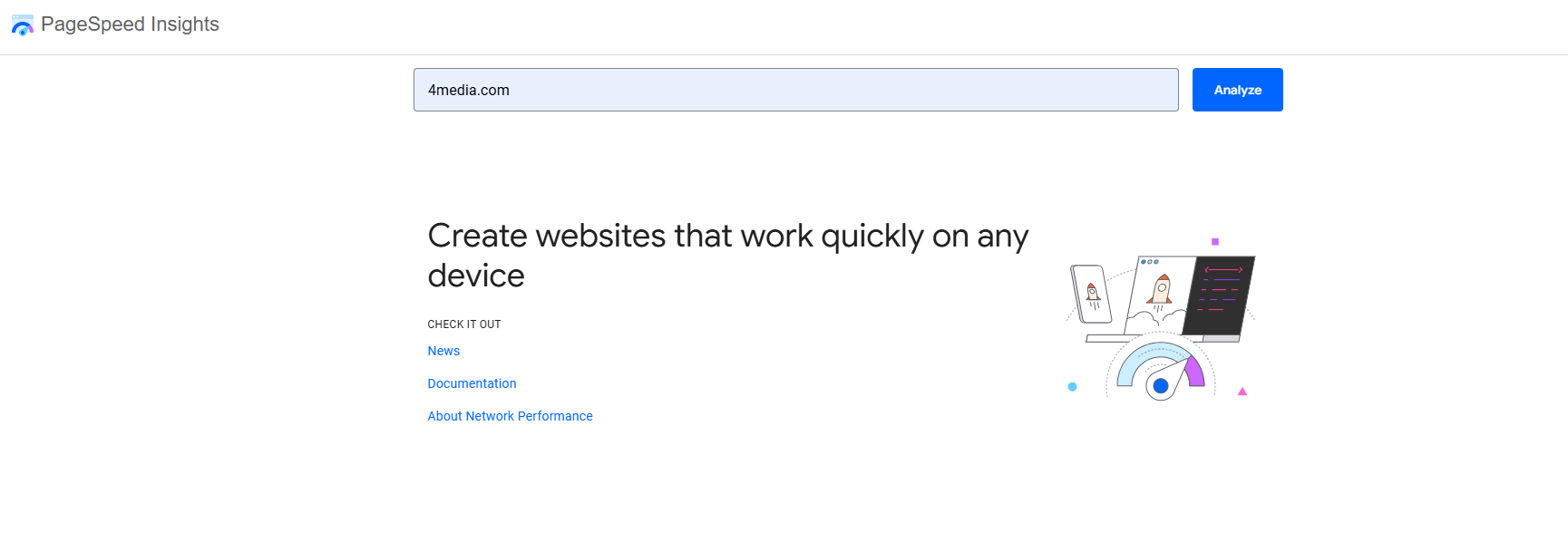
Instead of panic-reacting to every Google update, adopt a strategy of continuous monitoring. Analyze your data, set internal performance KPIs, and remember: while a perfect 100 score on PageSpeed isn't the ultimate goal, the real user experience is.
The Future is Integrated
Choosing a CMS is no longer an IT ticket; it is a boardroom decision. Outdated, plugin-heavy architectures are becoming a liability. The future belongs to integrated, specialized platforms that combine expert content, technical performance, and automated workflows. Changes can be intimidating, but just as they said radio would kill print too, surviving AI in 2026 requires adaptation rather than fear. Investing in a modern CMS is investing in the stability and growth of your digital business in the age of AI. Finally, when you're ready to boost that new site's authority externally, make sure you understand exactly what SEO metrics like Ahrefs DR and Majestic TF actually mean when buying sponsored articles.